Guide
Apple Home Automations: Check the Device’s Connection Route
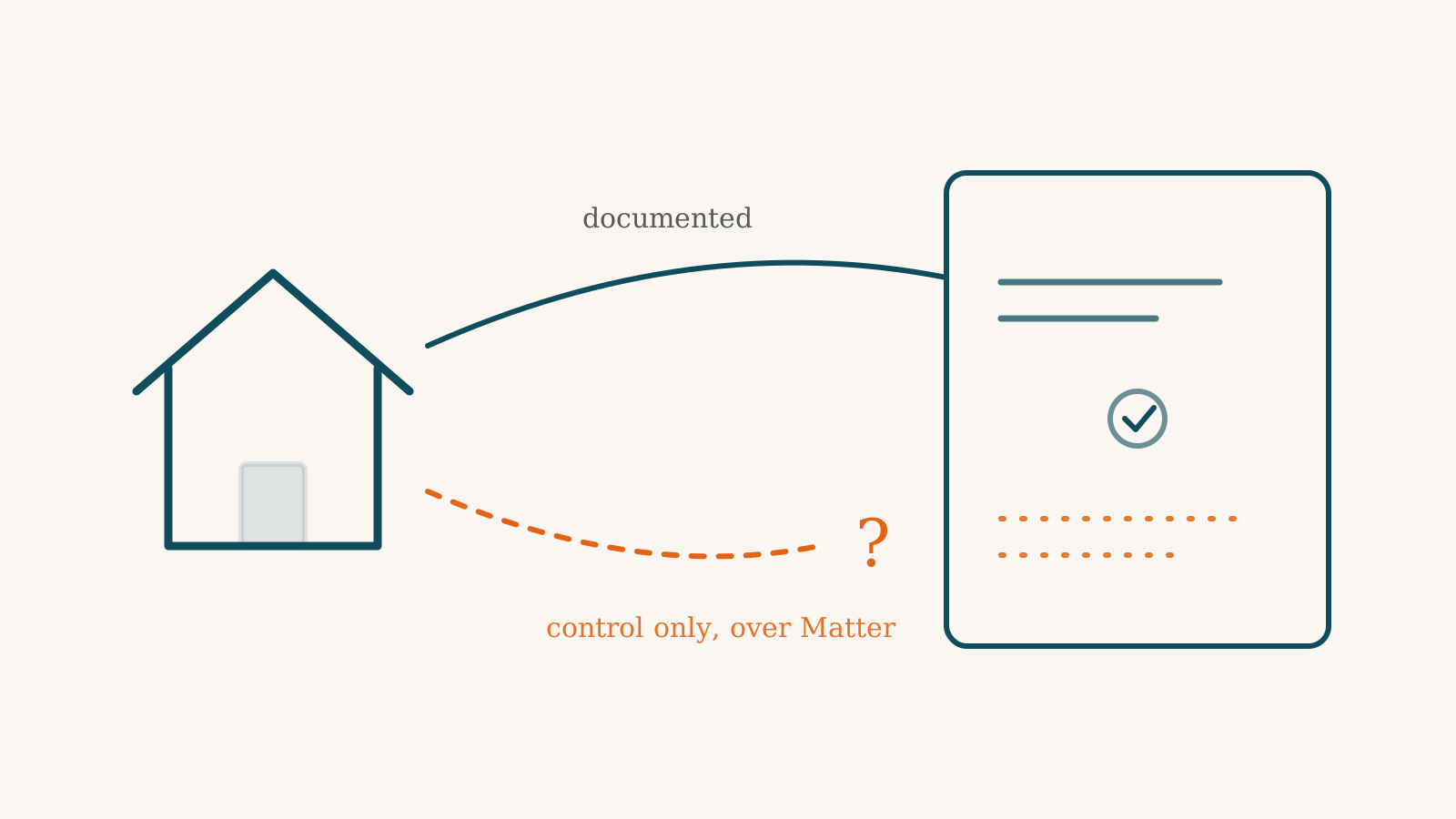
Of the 134 devices we track that work with Apple Home as accessories, 123 have at least one ability that Apple’s own documentation puts within reach of a Home app automation: a light that can be switched on, a lock that can be locked, a sensor whose reading can start something. 39 have at least one ability Apple documents as out of reach. And for 7 of them, nothing we read settles any ability either way. What mostly decides which group a device lands in is how it joins Apple Home and what kind of device it is. A native Apple Home accessory, or one that connects through its maker’s bridge, falls under Apple’s automation rules directly. A device that joins over Matter falls under them when its kind of device is on Apple’s Matter list. For those, an ability Apple’s automation rules name is marked usable as Apple’s rule for that kind of device, not as a test of one model.
That split is the useful thing to know before you buy. A supported control route does not by itself establish automation support for the feature you want. Check both the device’s connection and the dated platform documentation.
How Apple Home automations work
Apple’s automation builder has four ways to start: an accessory is controlled, a sensor detects something, people arrive or leave, or a time of day comes round. What happens next is stated just as broadly. You pick “scenes and accessories that react to the action.” So the practical question for any device is whether Apple models the thing you care about as a setting an automation can change or a sensor reading it can start from.
Automations that run on their own also need a home hub. Apple names a HomePod, a HomePod mini or an Apple TV. Matter accessories can be added from an iPhone on iOS 18 or later without one. If you have none of those, the answers below are about a setup you haven’t finished yet.
The numbers, by category
The tables describe documented automation access for abilities listed on our product records. An automation feature in Apple Home does not establish that a particular device supplies it through its connection; check that product’s profile too.
Each table entry is one ability of one device, marked with the same three labels our product pages use. "✓ routines can use it" means Apple’s documentation puts it within an automation’s reach. "✗ app only" means Apple publishes a list that claims to be complete and the ability isn’t on it. "? not stated" means nothing we read settles it either way. The three are not a scale. The second is a finding and the third is a gap. Devices whose only link to Apple is a Siri Shortcut are left out of every figure, because they aren’t accessories the Home app’s automations can pick.
| Products | ✓ routines can use it | ✗ app only | ? not stated |
|---|---|---|---|
| 134 | 245 | 76 | 25 |
| Category | Products | ✓ routines can use it | ✗ app only | ? not stated |
|---|---|---|---|---|
| Smart Lighting | 21 | 58 | 7 (Scene) | 14 |
| Switches & Dimmers | 15 | 22 | 1 (Fan mode) | 2 |
| Plugs & Outlets | 13 | 13 | 13 (Energy monitoring, Energy reading, Scene) | 0 |
| Cameras & Doorbells | 8 | 12 | 37 (Camera stream, Face recognised, Package detected, Pan/tilt, Person detected, Pet detected, Siren, Sound recognised, Two-way audio, Vehicle detected) | 0 |
| Smart Locks | 14 | 26 | 1 (Camera stream) | 0 |
| Thermostats | 9 | 31 | 1 (Fan mode) | 1 |
| Hubs & Controllers | 4 | 11 | 2 (Sound recognised) | 0 |
| Sensors & Detectors | 16 | 18 | 0 | 7 |
| Security Systems & Alarms | 1 | 1 | 0 | 0 |
| Water Protection & Plumbing | 4 | 3 | 1 (Leak detected) | 0 |
| Garage & Access | 5 | 12 | 0 | 0 |
| Blinds, Shades & Curtains | 10 | 13 | 0 | 1 |
| Robot Vacuums & Mops | 3 | 1 | 4 (Return to dock, Start/stop) | 0 |
| Indoor Air & Comfort | 10 | 22 | 9 (Air quality reading, Fan direction, Fan mode) | 0 |
| Outdoor, Lawn & Irrigation | 1 | 2 | 0 | 0 |
- Camera stream — ✗ app only · Apple Home — automation engine ceiling
- Energy monitoring — ✗ app only · Apple Home — automation engine ceiling
- Energy reading — ✗ app only · Apple Home — automation engine ceiling
- Face recognised — ✗ app only · Apple Home — automation engine ceiling
- Package detected — ✗ app only · Apple Home — automation engine ceiling
- Pan/tilt — ✗ app only · Apple Home — automation engine ceiling
- Person detected — ✗ app only · Apple Home — automation engine ceiling
- Pet detected — ✗ app only · Apple Home — automation engine ceiling
- Return to dock — ✗ app only · Apple Home — automation engine ceiling
- Scene — ✗ app only · Apple Home — automation engine ceiling
- Siren — ✗ app only · Apple Home — automation engine ceiling
- Sound recognised — ✗ app only · Apple Home — automation engine ceiling
- Two-way audio — ✗ app only · Apple Home — automation engine ceiling
- Vehicle detected — ✗ app only · Apple Home — automation engine ceiling
- Air quality reading — ✗ app only · Apple Home — Matter path
- Camera stream — ✗ app only · Apple Home — Matter path
- Energy monitoring — ✗ app only · Apple Home — Matter path
- Energy reading — ✗ app only · Apple Home — Matter path
- Fan direction — ✗ app only · Apple Home — Matter path
- Fan mode — ✗ app only · Apple Home — Matter path
- Leak detected — ✗ app only · Apple Home — Matter path
- Return to dock — ✗ app only · Apple Home — Matter path
- Scene — ✗ app only · Apple Home — Matter path
- Start/stop — ✗ app only · Apple Home — Matter path
Sources: Apple Home — automation engine ceiling (read 2026-09-01) · Apple Home — Matter path (read 2026-09-04)
Across all of it, 245 abilities are marked as usable, 76 as app only and 25 as not stated. The categories tell different stories. Switches, sensors and garage-door devices lean toward usable. Cameras and doorbells lean the other way, with 37 abilities marked app only against 12 usable.
What Apple documents as out of reach
Some limits apply however a device connects, because the thing you want simply has no place in Apple’s list of what an accessory can report or do. 14 kinds of ability we track fall in this group on Apple Home.
Camera detections and automation triggers differ. Apple’s camera page describes person, animal, vehicle and package detection, and face recognition for people tagged in Photos, as reasons to send you a notification. The one place the page uses the word automation about a camera is to say that Activity Zones don’t affect motion detection automations. Motion can start an automation. Knowing that the motion was a person cannot. That is why the Aqara G3, Aqara G350 and Aqara G5 Pro show person detection as app only. A doorbell press is a starter, though, and on the Aqara G410, the Aqara G4 and the ecobee Smart Doorbell Camera they are usable. Live video, two-way talk, pan and tilt, and sounding a camera’s siren are also outside what an automation can do. Our camera automation guide covers the other platforms.
Energy readings have nowhere to go. Apple’s accessory vocabulary can say an outlet is in use, but it has no entry for how much power something draws. The Eve Energy Strip and the THIRDREALITY Smart Plug Gen2 both track energy use. In Apple Home, that reading can’t start or steer an automation.
Sound recognition and recalling a scene stored on the device itself are also missing. Apple’s scenes live in the Home app rather than on the accessory, so a light’s own saved presets aren’t something the Home app can call up. This affects devices like the HomePod mini and its sound recognition, and the Philips Hue Essential A19 and its stored scenes.
A second group of limits applies only over Matter. For the device types on Apple’s Matter list, Apple’s automation rules apply over Matter as they do to a native accessory, so a Matter lock’s state or a Matter motion sensor’s reading is marked usable. Apple’s Matter page lists the accessory types the Home app supports: air conditioners, bridges, lights, locks, outlets, switches, thermostats, blinds and shades, and a short list of sensors. 10 kinds of ability we track fall outside that list on the Matter route, including air-quality readings, energy readings, fan modes, leak detection and robot-vacuum start and stop. Fan mode shows the difference plainly. The Big Ass Fans Haiku joins over Matter, and its fan mode is app only in Apple Home. The Hunter Aerodyne 52 joins natively, and its fan mode is usable. Our Matter automation story covers what the Matter lists leave out on every platform.
Where Apple doesn’t say
25 abilities in the table are marked not stated. Apple’s Matter list and its automation rules together settle the Matter route for every kind of device the list names. What is left sits with individual products, where our record of that device leaves the ability open.
In practice the route matters less for familiar categories on Apple’s list. The August Wi-Fi Smart Lock and Level Lock Pro join natively and have locking marked usable. The Aqara U200, Aqara U400 and eufy FamiLock S3 Max come in over Matter, and theirs is marked usable too, because locks are on Apple’s Matter list. Our door sensor guide walks through the routes for the door sensors we cover. Lighting carries the largest share of what is left, with 14 of its abilities not stated.
Not stated does not mean it fails. It means nothing we read puts that ability in writing for that device, so we don’t claim it.
Before you buy for automations
- Check the route, not just the badge. Each product page shows how the device reaches Apple Home. If you need a device to start or join an automation, a native accessory, a maker’s bridge, or a Matter device of a type on Apple’s list is a route Apple’s rules cover. Over Matter, a device type Apple’s list leaves out, such as a leak or air-quality sensor, is app only.
- If you want camera events to drive your home, plan around motion. Apple’s automations can start from motion and from a doorbell press, not from the camera knowing it saw a person or a parcel.
- If you want energy-based automations, such as switching something off when a device finishes drawing power, Apple Home has no reading for that. Look at what the plug’s own app can do.
- Confirm you have a home hub. Without a HomePod, HomePod mini or Apple TV, automations stop short.
To see which devices in a category work fully with Apple Home, start from a list. There is one each for switches, lighting, sensors, locks, blinds and shades and hubs. If you already know the devices you want, the compatibility checker shows how each one connects.
What would change this answer
Three things would move these numbers. Apple adding a starter for person, animal, vehicle, package or face detection would flip every camera detection finding together, and that is the kind of change a release note could bring. Apple adding device types to its Matter list, such as leak or air-quality sensors, would move those abilities off the app-only list for devices that join over Matter. And a device moving from Matter to a native route, or the other way, moves its row.
We read Apple’s automation page on 2026-09-01 and its Matter page on 2026-09-04. Both are due for a scheduled re-read by early next year, and an Apple announcement of new Matter device types pulls that forward. The figures on this page are recomputed from our product records every time the site is built.
Frequently asked questions
Can a Matter device start an Apple Home automation?
Yes, for the kinds of device on Apple's Matter list. That page lists the device types the Home app supports, and Apple's automation page says what an automation can start from and change. Where both cover a feature, such as a lock's state or a motion sensor's reading, our tables mark it usable as Apple's rule for that kind of device. A feature the Matter list leaves out, such as leak detection, stays app only over Matter.
My camera spots people and packages. Can that start an automation in Apple Home?
Not according to Apple's own pages. Apple describes person, animal, vehicle, package and face detection as reasons to notify you. Its camera page mentions automations only for motion, so motion can start one and the other detections cannot.
Do I need a hub for Apple Home automations?
Yes, for automations that run on their own. Apple says a home hub, meaning a HomePod, HomePod mini or Apple TV, is what lets you trigger an accessory or scene from a time of day, your location or a sensor. Matter accessories can be added from an iPhone on iOS 18 or later without one.
Sources for this guide· 4 sources and 5 product records
Product facts come from the linked research records; other cited sources appear below. Read each claim with its source date and any stated limit. Prices, features and support can change after a check. These are research profiles, not hands-on reviews.Report a correction if a source now gives a different answer.
- Apple: Create scenes and automations with the Home app — as of 2026-09-01
- Apple: Set up security cameras in Home on iPhone — as of 2026-09-01
- Apple: adding Matter accessories without a home hub — as of 2026-10-10
- Apple: what a home hub does — as of 2026-10-10
- Belkin Wemo Smart Plug (Wemo Mini WSP080 and WiFi plug line) — record last verified 2026-09-17 · 31 sources, cited in full on its profile
- Eve Energy Strip (connected triple outlet) — record last verified 2026-10-15 · 24 sources, cited in full on its profile
- Eve Flare — record last verified 2026-09-19 · 25 sources, cited in full on its profile
- Hunter Aerodyne Indoor Smart Fan with LED Light, 52 inch (51314) — record last verified 2026-08-21 · 20 sources, cited in full on its profile
- Hunter Aerodyne Indoor Smart Fan ENERGY STAR with LED Light, 60 inch (52832) — record last verified 2026-08-22 · 20 sources, cited in full on its profile