What Can a Door Sensor Start? Automations by Platform
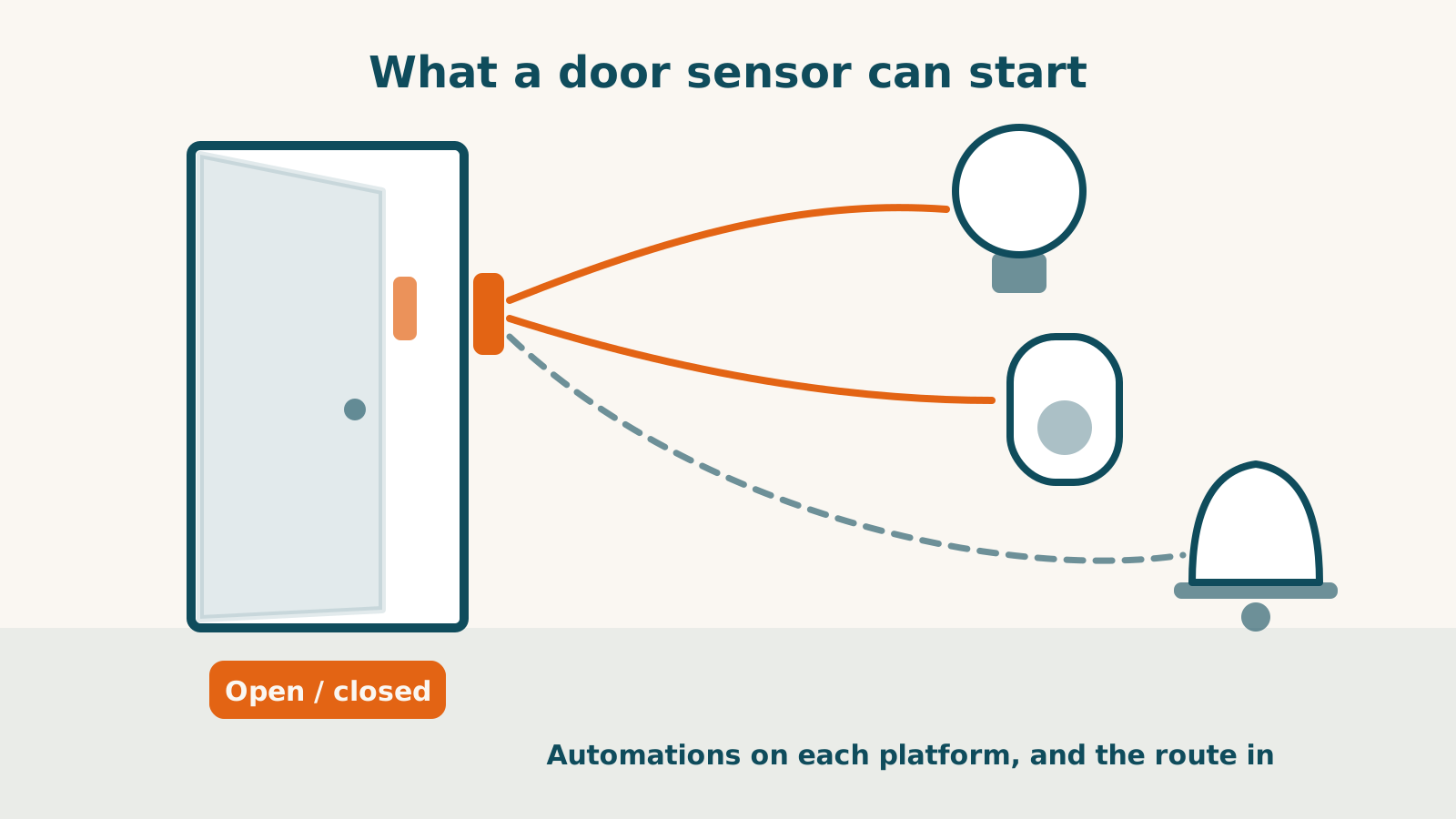
A door opening can start an automation on all five platforms we track. Apple Home, Google Home, Alexa, SmartThings and Home Assistant each document it, either by name or through a general rule that covers it. So the platform is rarely what stops “turn on the hall light when the back door opens.” What stops it is how the sensor reaches the platform, and whether its maker hands over only the open-or-closed state or more.
What each platform documents
Apple Home starts an automation when an accessory is controlled, when a sensor detects something, when people arrive or leave, or at a time of day. A door opening counts as a sensor detecting something.
Google Home publishes a list of everything its automations support, and a device’s open or closed state is on it.
Alexa has let contact sensors start routines since 2018, when Amazon told device makers that updates from contact and motion sensors “can now activate Alexa Routines”. Amazon added a condition in the same post: a sensor connected through a maker’s Alexa skill has to report its changes to Alexa as they happen. Whether a given skill does that is the maker’s side of the question.
SmartThings routines can act on whatever a device reports to SmartThings, and a contact sensor’s open or closed state is one of the things it can report.
Home Assistant starts an automation whenever an entity’s state changes, so an open or closed door is an ordinary trigger.
There is one gap worth knowing. The pages Apple, Google and Amazon publish about Matter devices list contact sensors as supported, but they describe pairing and control rather than automations. Nothing we read says Matter door sensors are excluded from automations either, so treat it as missing documentation rather than a known limit. Our look at what Matter lets each platform automate sets out where each platform’s Matter page stops.
The door sensors we cover take three routes
Matter over Thread: Aqara, Eve and IKEA
The Aqara Door and Window Sensor P2, the Eve Door & Window and the IKEA MYGGBETT all connect the same way. Each needs a hub that is both a Matter controller and a Thread border router before it reports anything to a platform. With one in place, our records show all three reaching all five platforms.
Where they differ is in what happens around that shared route:
- Aqara P2: Aqara’s listing says its own Aqara Home app doesn’t support this sensor yet, with an update planned. Until then, nothing specific to Aqara’s app is available for it. It takes one CR123A cell, included, and Aqara publishes no battery-life figure.
- Eve Door & Window: every platform gets the open or closed state. Eve’s open-and-close history, including how long a door stayed open, only appears in the Eve app connected through Apple Home. Its half-size AA lithium cell is less common in shops than a standard battery.
- IKEA MYGGBETT: the cheapest of the three, though the rechargeable AAA battery it needs is sold separately, and IKEA rates it at about 15 months. IKEA says to use it indoors only. It is also the only one of the three that can work with no hub at all, paired straight to up to ten IKEA smart products.
Bluetooth with a hub: SwitchBot
The SwitchBot Contact Sensor works over Bluetooth with the SwitchBot app when your phone is nearby. Remote notifications, Alexa, Google Home, SmartThings and SwitchBot’s own automations all need a SwitchBot hub, and SwitchBot says Android users need one even for push alerts.
What reaches each platform is narrower than the sensor itself. Besides open and closed, it detects motion and light level:
- Alexa and Google Home: open and closed only. SwitchBot says neither supports the motion or light features.
- Apple Home: open and closed only, bridged over Matter through a Hub 2, Hub 3 or Hub Mini Matter Enabled. A Hub 2 bridges up to eight SwitchBot devices to Apple Home, and the Hub Mini Matter Enabled up to four.
- Home Assistant: open and closed, motion and battery, through Home Assistant’s own SwitchBot integration with no SwitchBot hub. Home Assistant documents this; SwitchBot doesn’t.
- SmartThings: open and closed, plus battery level, both usable as conditions in a SmartThings routine. SwitchBot says the light sensor and motion detection are not available there.
Before you buy one for an automation
- Check for the hub first. If you already own a HomePod mini, a Wi-Fi and Ethernet Apple TV 4K, a newer Echo or a Nest Hub (2nd gen), you likely have the kind of hub the three Thread sensors need. Each product page lists the qualifying models. If you don’t, the SwitchBot route means buying its hub instead.
- Decide whether you need more than open and closed. Eve’s door history stays inside Apple Home and the Eve app. SwitchBot’s motion detection reaches Home Assistant and none of the voice platforms.
- Count the bridge slots on Apple Home. Several SwitchBot devices behind one Hub Mini Matter Enabled can reach its limit of four.
- Check where it’s going. The MYGGBETT is indoor-only by IKEA’s own instruction, and our records for the other three don’t give an outdoor rating.
Every sensor we cover, including motion, presence and climate sensors, is in the smart sensor directory with the hub each one needs. If the room also needs to know someone is still there, presence sensors and motion sensors answer different questions.
Frequently asked questions
Do I need a hub for a door sensor?
For three of the four in our library, yes, and it's a specific kind: a hub that works as both a Matter controller and a Thread border router. It can be a device you already own, such as a HomePod mini, a newer Echo or a Nest Hub (2nd gen). IKEA's sensor can also pair straight to IKEA smart products without one. The SwitchBot Contact Sensor is the exception. It works over Bluetooth with your phone nearby, but remote alerts, voice assistants and Apple Home all need a SwitchBot hub.
The SwitchBot sensor also detects motion. Can that start a routine?
Not on Alexa, Google Home or SmartThings. SwitchBot says the motion and light features aren't supported on any of the three, and Apple Home receives only the open or closed state. Home Assistant is the one platform our records show receiving the motion state, through its own SwitchBot integration.
Sources for this guide· 6 sources and 4 product records
Product facts in this guide come from our provenance-tracked research records — every claim traces to a named source with the date we verified it. Dates matter: ratings, prices, certifications, and compatibility can change after we check them, so read anything time-sensitive as true as of the date shown, not guaranteed current. Spot something stale? Tell us and we'll fix it.
- Apple: Create scenes and automations with the Home app — as of 2026-09-01
- Google: Supported starters, conditions, and actions for Google Home automations — as of 2026-09-01
- Amazon developer blog, August 2018: contact and motion sensors in Alexa Routines — as of 2026-09-06
- SmartThings: Rules and automatic routines — as of 2026-09-01
- Home Assistant: State trigger — as of 2026-08-29
- Apple: Matter accessories in the Home app — as of 2026-09-04
- Aqara Door and Window Sensor P2 — record last verified 2026-08-08 · 21 sources, cited in full on its profile
- Eve Door & Window (3rd generation, Matter) — record last verified 2026-08-09 · 17 sources, cited in full on its profile
- IKEA MYGGBETT Door/Window Sensor — record last verified 2026-08-22 · 21 sources, cited in full on its profile
- SwitchBot Contact Sensor — record last verified 2026-08-09 · 20 sources, cited in full on its profile