Guide
Camera Automations: Check the Event and the Exact Connection
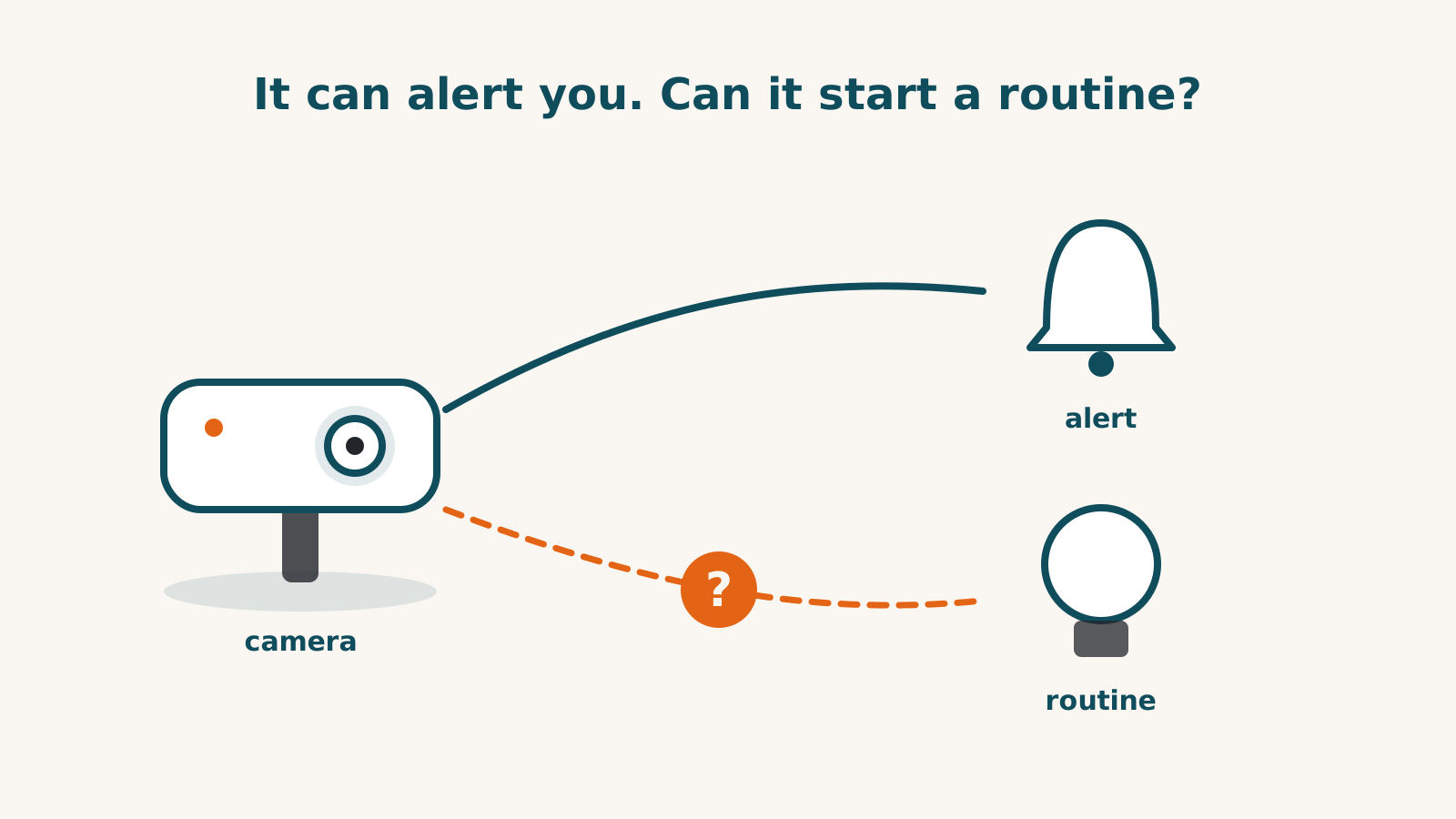
To buy a camera for an automation, check the exact event it passes to your platform. Live view, a motion notification and a routine starter are separate functions. A works-with badge does not establish all three.
The platform documentation reviewed for this guide is dated in the sources below. It describes what a platform permits, not proof that every connected camera supplies those events. Product profiles record model-specific limits and unresolved questions.
Separate platform support from camera support
Apple’s reviewed Home documentation describes automations starting from sensor detection, accessory control, people arriving or leaving, or time. Its camera help names motion-detection automations; person, animal, vehicle, package and face detection are described as notification options. Those notification descriptions alone do not establish matching automation starters.
Google’s reviewed automation list describes motion, doorbell presses, people, packages, vehicles, familiar faces and sounds. Its animal event is scoped to dogs and cats. A platform event type still needs a camera connection that provides it.
Amazon’s reviewed documentation describes doorbell events and motion, person and package routines. It does not settle every camera’s event support or every other detection type. SmartThings rules and Home Assistant state triggers similarly depend on the capabilities or entities the connection exposes.
Do not read an absence from these dated pages as proof that a function can never work. Treat an undocumented required event as unresolved and confirm the exact current route before relying on it.
Check the model-specific evidence
Arlo Pro 6 lists Alexa, but its product record does not establish the full feature scope there. Arlo’s generic help article describes selecting a camera’s detected event in an Alexa routine; that is not enough to promise that every Pro 6 detection reaches routines. Its advanced object detection also has paid-plan conditions.
Wyze Cam v4 names Alexa without establishing each function in its record. A generic voice-control example is not model-specific routine evidence. Cam Plus person, package, vehicle and pet detection should be checked separately from the event the Alexa connection exposes.
The Aqara G410 lists local automations separately from outside-platform live view. Its local automation claim does not establish that its detections start an Alexa, Google or SmartThings routine. The Home Assistant video stream requires wired installation; a stream alone does not establish every automation event.
Actions need their own evidence too
An event that starts a routine does not establish that the routine can open a video feed, speak through the camera or sound its siren. The Google action list reviewed here does not establish those actions; the Amazon evidence here does not settle them either. Check the exact platform and connection rather than inferring actions from live view.
Locks show the same distinction. Schlage’s reviewed Alexa help describes locking in a routine, while unlocking is documented separately as a voice feature disabled by default. Do not turn that into a promise of routine unlocking on Encode Plus. August’s documented voice lock/unlock/status commands are not proof of equivalent routine actions.
Write the automation before buying the equipment
- Name the exact starter, such as a doorbell press or detected person.
- Name the platform and model-specific connection that must expose it.
- Confirm the action, such as switching a light, separately.
- Check any subscription, hub or wired-power requirement.
- Resolve undocumented features with model-specific support before buying.
The [Matter automation guide](/guides/matter-automation-reach-2026) makes the same distinction for Matter devices. The camera and doorbell directory and checker show recorded platform support and its conditions.
Frequently asked questions
Does a works-with badge prove the camera can start a routine?
No. The badge may not establish even the detailed viewing functions, let alone automation events. Check the exact model, platform, connection route and event.
Is a notification the same as an automation starter?
No. A platform may show a person or package alert without exposing it as a routine starter. The dated platform documentation below describes available features, not proof that every camera supplies them.
Does a paid detection plan guarantee routine support?
No. A plan may enable detection in the maker’s app without passing that event to your platform. Confirm both the paid feature and the integration’s automation event before buying.
Sources for this guide· 8 sources and 5 product records
Product facts come from the linked research records; other cited sources appear below. Read each claim with its source date and any stated limit. Prices, features and support can change after a check. These are research profiles, not hands-on reviews.Report a correction if a source now gives a different answer.
- Apple: Create scenes and automations with the Home app — as of 2026-09-01
- Apple: Set up security cameras in Home on iPhone — as of 2026-09-01
- Google: Supported starters, conditions, and actions for Google Home automations — as of 2026-10-01
- Amazon: Alexa doorbell event documentation — as of 2026-09-01
- Amazon: Alexa updates, routines when a person or package is detected — as of 2026-09-06
- Amazon: 2018 announcement of routines on camera movement — as of 2026-09-06
- SmartThings: Rules and automatic routines — as of 2026-09-01
- Home Assistant: State trigger — as of 2026-08-29
- Arlo Pro Security Camera 2K (6th Gen) — record last verified 2026-09-23 · 22 sources, cited in full on its profile
- Wyze Cam v4 — record last verified 2026-09-18 · 29 sources, cited in full on its profile
- Aqara Doorbell Camera Hub G410 — record last verified 2026-08-17 · 21 sources, cited in full on its profile
- Schlage Encode Plus — record last verified 2026-10-03 · 51 sources, cited in full on its profile
- August WiFi Smart Lock (4th gen) — record last verified 2026-09-27 · 36 sources, cited in full on its profile