Guide
Security Camera Local Storage: Cards, Hubs and Recording Limits
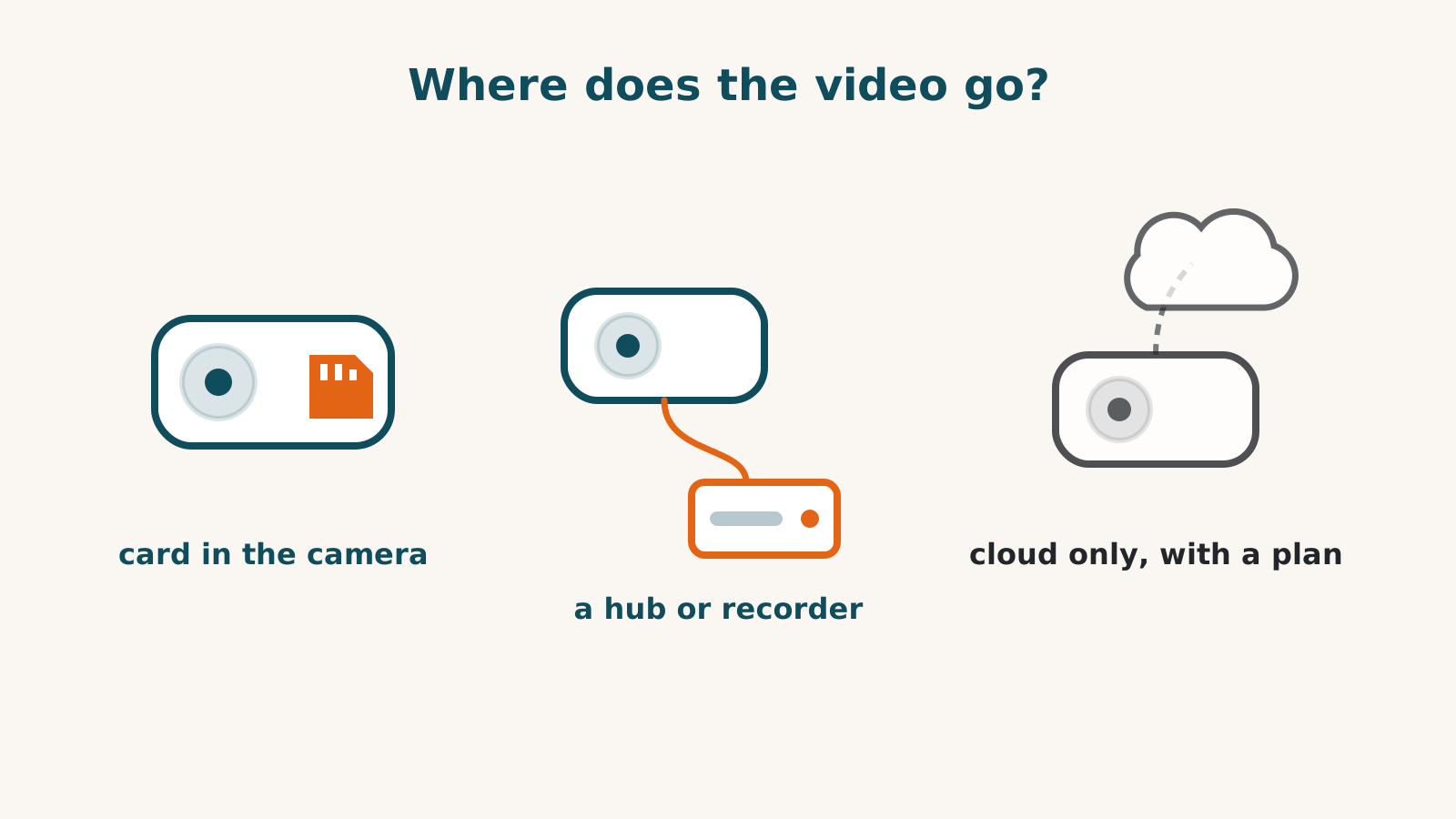
A camera may record to a card, built-in storage or a separate recorder without a monthly plan. Check the exact model: local backup can also mean a copy of paid cloud clips, and some cameras keep only short cloud previews for free.
These examples come from dated product records. They establish documented routes and limits, not measured video quality or recording reliability.
Storage inside the camera
| Camera | Documented local storage | Additional paid route |
|---|---|---|
| Tapo C120 | microSD, up to 512 GB | Tapo Care cloud clips and snapshot notifications |
| Tapo C660 KIT | microSD, up to 512 GB; card not included | Tapo Care cloud features |
| Wyze Cam v4 | Continuous microSD recording | Cloud events and Cam Plus detection features |
| Aqara G3 | microSD, up to 128 GB | Separate Apple recording requirements; future Aqara options are not a current plan |
| Aqara G350 | microSD, up to 512 GB; card not included, with network-drive backup | Optional HomeGuardian cloud storage; price not established |
| eufy SoloCam S340 | 8 GB built in; no card slot | Optional cloud backup; cross-camera tracking has separate HomeBase and paid-use conditions |
Capacity alone does not tell you how many days of footage will fit. Check the recording mode, resolution and retention settings rather than treating a larger card as a measured history comparison.
Storage on separate equipment
The UniFi G6 Pro Bullet needs a console running Protect. Saving recordings also needs suitable storage, and powering this camera over its network cable needs a suitable powered switch or injector. A console without recording storage is not a complete recording system. Ubiquiti documents no subscription or licensing fee for this route; check the whole equipment list rather than only the camera price.
Arlo Pro 6 has an optional SmartHub local-storage route. Its direct cloud route keeps no recordings without a plan. Do not transfer this to Arlo Ultra 3rd generation: its kit includes a required SmartHub, but our record does not establish independent local retention after the trial. An add-on camera also differs from the kit.
Tapo offers an H500 storage hub for the C660. The Aqara G5 Pro documents encrypted built-in eMMC and network-storage support. That is different from promising a card slot on every Aqara camera.
A local copy that depends on a plan
Blink Outdoor 2K+ requires a Sync Module. Its documented automatic local backup uses a module plus a USB drive or card and an active plan to copy cloud clips every twenty-four hours.
That backup is not evidence of subscription-free recording. Without a plan, the dated record establishes motion alerts and live view capped at five minutes, not retained clips on that route.
Cloud retention and temporary buffers
Ring Floodlight Cam 4K Pro has free live view, motion alerts and talk, but all saved video needs a plan.
The indoor wired Nest Cam, 3rd generation and outdoor wired model, 2nd generation have no SD slot. Free ten-second previews are held for six hours; longer history is paid. They should not be grouped with cameras that keep nothing for free.
Google names both models as buffering up to an hour of events during an internet outage. That is not user-accessible local storage: it uploads when the connection returns, and a power cut records nothing. Google’s offline-storage article names nothing else that keeps working without internet.
Check outage operation and off-site storage separately
Local storage does not establish what works without internet. The S340’s outage recording is unresolved; eufy’s article for a different camera line does not settle it. Wyze’s product page does not establish Cam v4 outage recording either. Aqara describes G5 Pro local automations during outages, which is a narrower claim than all recording, viewing and remote functions working offline.
HomeKit Secure Video uses iCloud+ and a qualifying Apple setup. It is separate from a camera’s own free local recording, even where video analysis happens on the device.
Before buying, list the retained footage, access from away, outage functions and off-site copy you require. Confirm each with the exact model’s documentation. Our doorbell guide covers storage at the door; the checker covers recorded platform connections.
Frequently asked questions
Is a memory card always included?
No. Tapo C660 KIT and Aqara G350 explicitly exclude it in our records. Check the package, supported capacity and required card type before ordering.
Is HomeKit Secure Video local recording?
No. Saved clips use Apple’s iCloud service with a qualifying Apple setup and iCloud+ plan. On-device analysis is a separate function from where the recording is stored.
Does a card prove the camera records during an internet outage?
No. Check that function separately for the exact model. A documented storage route does not establish offline recording, local access, notifications or account independence.
Sources for this guide· 8 product records
Product facts come from the linked research records; other cited sources appear below. Read each claim with its source date and any stated limit. Prices, features and support can change after a check. These are research profiles, not hands-on reviews.Report a correction if a source now gives a different answer.
- TP-Link Tapo C120 — record last verified 2026-08-17 · 33 sources, cited in full on its profile
- Wyze Cam v4 — record last verified 2026-09-18 · 29 sources, cited in full on its profile
- Aqara Camera Hub G350 — record last verified 2026-10-01 · 60 sources, cited in full on its profile
- eufy SoloCam S340 — record last verified 2026-09-30 · 42 sources, cited in full on its profile
- Ubiquiti UniFi Camera G6 Pro Bullet — record last verified 2026-10-01 · 20 sources, cited in full on its profile
- Blink Outdoor 2K+ — record last verified 2026-08-17 · 13 sources, cited in full on its profile
- Google Nest Cam (Indoor, wired, 3rd gen) — record last verified 2026-10-09 · 78 sources, cited in full on its profile
- Ring Floodlight Cam 4K Pro — record last verified 2026-10-02 · 73 sources, cited in full on its profile