Guide
Smart Locks for a Short-Term Rental: Codes, Backup Entry and Upkeep
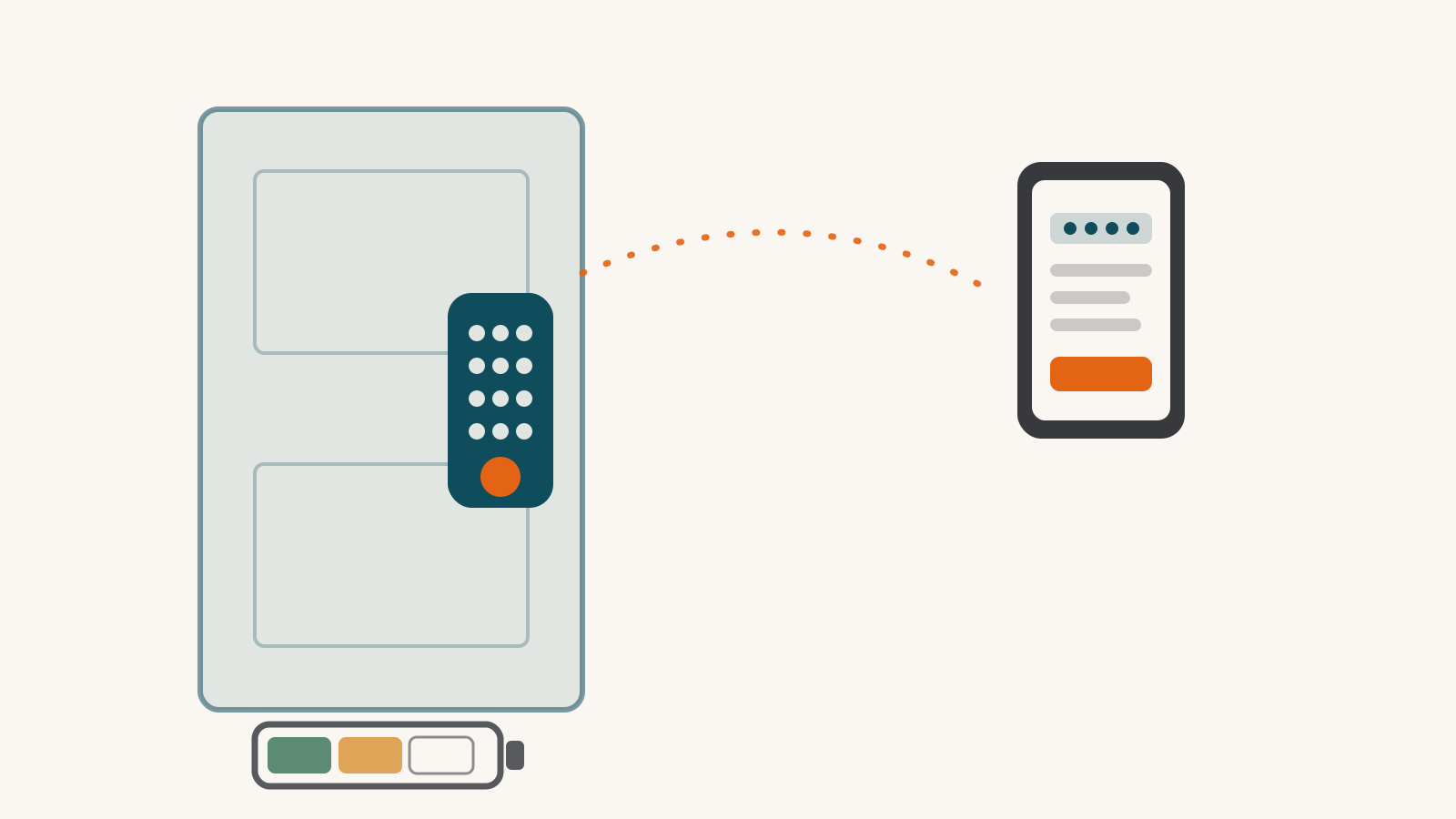
A door lock for a short-term rental has three jobs to check before you buy. You need guest codes you can create, schedule and revoke from away. Guests need a backup entry they can actually use. The property needs upkeep you can manage between bookings. The eight smart locks below need no subscription for their core lock functions, and they differ on all three jobs.
Remote lock control is not proof of remote code management. A long advertised battery life is not proof that the lock will last a booking season. Use the maker’s exact model instructions and the conditions in our dated research profiles.
Check guest codes as their own feature
Ask whether you can create a code, set its start and end times, revoke it and confirm that the change reached the lock. Check code capacity and whether a network outage affects the schedule already on the lock.
Our records do not establish every one of those operations for each model. Do not infer them from an Alexa badge, Matter support or a built-in Wi-Fi radio.
Connection requirements still matter:
- Schlage Encode Plus, Schlage Sense Pro, August Wi-Fi Smart Lock have built-in Wi-Fi for their documented app routes.
- eufy FamiLock S3 Max and the Wi-Fi version of Yale Assure Lock 2 Plus also have built-in Wi-Fi. Read each profile for the documented app and platform functions.
- The SwitchBot Lock Ultra Vision Pro Combo includes the hub used for remote access. A bare-lock listing may not include it.
- Aqara U200 needs a Thread border router for its platform connections. Aqara warns that some Matter platforms cannot add passcodes and suggests using the Aqara Home app.
- Level Lock Pro needs its documented Thread route or a Level Connect Wi-Fi bridge for remote access. Its keypad is a separate accessory, and its guest passes lack time-of-day scheduling. A Thread connection does not remove that limit.
Check the exact package. Yale’s Bluetooth-only Assure Lock 2 Plus is a different configuration from the Wi-Fi model in our profile; do not transfer the Wi-Fi model’s integrations to it.
Make backup entry usable by a guest
| Model | Documented dead-battery entry to plan for |
|---|---|
| August Wi-Fi Smart Lock | Existing mechanical key |
| SwitchBot Lock Ultra | Existing key, with separate electronic backup methods |
| Aqara U200 | Existing key if the cylinder meets its emergency-key requirement |
| Level Lock Pro | Included mechanical key |
| Schlage Encode Plus | Included mechanical key; no jumpstart terminal |
| Yale Assure Lock 2 Plus | Exterior 9V contacts, a usable 9V battery and the entry code |
| Schlage Sense Pro | USB-C emergency power and the entry code; no mechanical keyway |
| eufy FamiLock S3 Max | Physical key or USB-C power; AAA backup cells preserve PIN-only entry |
Give guests clear instructions and arrange someone local who can help. Keep keys or emergency power accessible without entering the property first. No listed fallback is a guarantee against lockout, and a key-free design is not a finding about overall security quality.
The battery guide covers maker-rated runtimes and warning limits. August’s record no longer establishes the early push alert older copy on this site claimed. Rechargeable locks also need a charging plan and may use separate backup or keypad cells.
Read the free and paid access limits
The eight models above require no subscription for the core lock functions established in their records. That does not establish unlimited guest codes, every scheduling feature or free access through a booking-management service.
The Lockly Visage Zeno shows why a separate check matters. Its free app has limits on monthly eBadges, offline access codes, credential transfers and properties managed. LocklyOS raises those limits; our record does not establish its price. Confirm the particular operation and terms before committing to a setup across properties.
For the eufy FamiLock, the optional paid membership concerns video backup, and eufy does not confirm whether that covers the lock’s camera. Local video storage is documented only with a separate HomeBase 3. Do not treat “the lock works without a plan” as a complete answer about its video features.
If you manage the property from a different platform
A host may run the rental’s devices on one platform and check on them from another. Our records describe each platform connection by locking, unlocking and lock status, not by guest-code management, so a split setup still leaves the code work in whichever app documents it.
Google Home is the connection to read most closely. Google turns off voice unlock for every Matter lock, and turns off remote unlock for Matter locks that don’t require a PIN. That applies to the Aqara U200, the Level Lock Pro, the Schlage Sense Pro and the eufy FamiLock S3 Max, which all reach Google Home through Matter. For the Yale Assure Lock 2 Plus, Yale names Alexa, Google Home and SmartThings for the Wi-Fi model without saying what each one can do, so locking and unlocking from those platforms are unconfirmed.
Before ordering for the property
Write down the exact code operations, household systems and installation requirements. Confirm them on the maker’s support pages, then count the additional hubs and subscriptions. If a required function is not established, settle it before relying on the lock for guest entry.
The lock directory and compatibility checker show platform connections and their limits. Setup Check can research a broader equipment plan, including products outside our library.
Frequently asked questions
Does remote locking mean I can change guest codes remotely?
No. Those are different functions. Check whether the maker documents creating, scheduling, changing and revoking guest codes from away for the exact model and connection route. A Wi-Fi radio or Thread hub alone does not establish those controls.
What should guests do if the battery dies?
Follow the exact model's backup: a mechanical key or compatible emergency power plus an entry code. Make the required item accessible and arrange local help; a backup listed in a manual does not guarantee a guest can use it.
Are guest-access features always free?
No. Check the limits and plan terms for your model. Lockly Visage Zeno has documented free limits on some access-sharing features that a paid tier raises. Its plan price is not established in our record.
Sources for this guide· 8 product records
Product facts come from the linked research records; other cited sources appear below. Read each claim with its source date and any stated limit. Prices, features and support can change after a check. These are research profiles, not hands-on reviews.Report a correction if a source now gives a different answer.
- Schlage Encode Plus — record last verified 2026-10-03 · 51 sources, cited in full on its profile
- Yale Assure Lock 2 Plus — record last verified 2026-09-16 · 31 sources, cited in full on its profile
- August WiFi Smart Lock (4th gen) — record last verified 2026-09-27 · 36 sources, cited in full on its profile
- SwitchBot Lock Ultra Vision Pro Combo — record last verified 2026-09-21 · 28 sources, cited in full on its profile
- Level Lock Pro — record last verified 2026-10-01 · 47 sources, cited in full on its profile
- Schlage Sense Pro — record last verified 2026-10-09 · 52 sources, cited in full on its profile
- Aqara Smart Lock U200 — record last verified 2026-10-09 · 107 sources, cited in full on its profile
- eufy FamiLock S3 Max — record last verified 2026-10-09 · 85 sources, cited in full on its profile