Guide
Wi-Fi, Zigbee, Z-Wave, Thread and Matter: What You Need
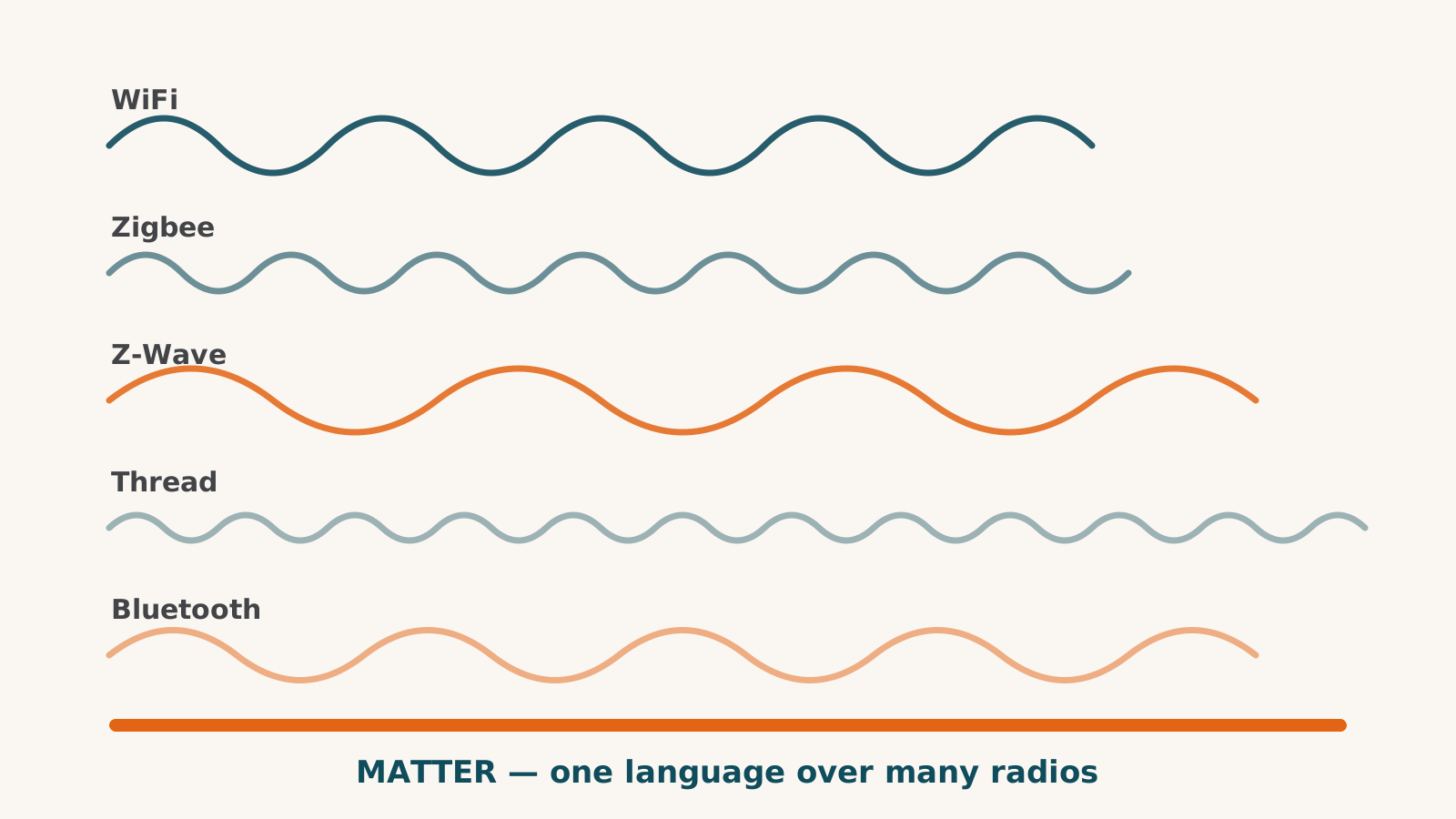
These names answer different questions. Wi-Fi, Zigbee, Z-Wave and Thread describe connections a device can use. Matter describes how supported devices and platforms communicate over Wi-Fi, Ethernet or Thread.
Before buying, identify the connection, the equipment it requires and the functions your home system supports. No protocol name answers all three.
The buying reference
| Name | What to check before ordering |
|---|---|
| Wi-Fi | Network requirements, maker app or platform route, and whether the functions use the cloud |
| Zigbee | Compatible hub, exact device support and which functions cross into your home system |
| Z-Wave | Compatible controller, regional model and exact device support |
| Thread | Thread border-router hardware and the controller or app used for that accessory |
| Matter | Supported device type, controller, Wi-Fi or Thread route, and platform feature limits |
The Alliance’s Matter guide distinguishes controllers, bridges and border routers. One box may combine these roles; owning a speaker does not establish that it supplies them all.
Wi-Fi: check the route, not just the radio
A Wi-Fi device joins a compatible wireless network, but it may communicate through a maker service, a local integration or both. Check the band and setup requirements for the exact model instead of assuming every product needs the same network settings.
The Govee Strip Light 2 Pro illustrates the distinction. Alexa and Google use cloud account links. Home Assistant has a local integration, but LAN control must first be enabled in the Govee app. That local path does not establish every effect or the complete product’s outage behavior.
There is no universal device-count threshold in our records for replacing Wi-Fi with another network. Diagnose the documented requirements before purchasing different hardware.
Zigbee: check the hub’s supported devices
The Alliance describes Zigbee as a low-power mesh technology. For a purchase, the important questions are which hub accepts the model and which functions the platform receives.
The Hue White & Color A19 uses Zigbee and Bluetooth. Its Bluetooth path has different limits from its Bridge path. The Bridge is required for the documented Apple Home route, and some controls there are unconfirmed in our sources.
A Zigbee radio in a hub is not general support for every Zigbee device. The Aqara M100, for example, supports Aqara Zigbee equipment, not all brands.
Z-Wave: match the controller and region
Check the exact controller and the region of both pieces of hardware. The Z-Wave Alliance’s overview lists regional frequency information; a model name alone does not establish a matching regional radio.
The Hubitat C-8 Pro documents a Z-Wave radio as well as Zigbee and Matter-controller roles. Those roles do not make it a Matter bridge exporting attached devices to other platforms. Its integrations have their own supported device lists and limits.
Thread: identify the border router
Thread is a separate network that reaches the rest of your home through a border router. Routing devices can relay traffic; end devices do not. Thread Group’s fundamentals describe those roles.
Check what you already own before adding hardware. The HomePod mini and Echo Hub document border-router roles. Their platform functions remain different. Our border-router guide explains what to check by model.
Matter: check functions beyond the badge
Matter can provide a route into more than one supported home system. It does not promise that every maker-app function moves across. For example, the Tapo L535E provides documented light controls through Matter while Tapo scenes remain in Tapo.
Some older accessories cross through an actual Matter bridge. The Aqara M3 bridges supported Aqara Zigbee types with documented limits. Home Assistant and Hubitat do not export their devices through Matter. Read the Matter guide before assuming any multi-protocol hub performs the same job.
Build around the function you want
Keep equipment that meets your needs. For a new device, confirm its supported connection and required hardware, then check the function you intend to use in your home system.
The Home Assistant Green is a useful reminder: local software does not supply radios. Zigbee, Thread and Z-Wave require separate equipment, and a cloud-based integration remains cloud-dependent.
Use the compatibility checker for the exact model, read its condition and open the dated sources if a limit would change your purchase. If you are starting from scratch, the beginner guide puts those decisions in order.
Frequently asked questions
Is Matter a replacement for Zigbee or Z-Wave?
Matter is a communication standard with routes over Wi-Fi, Ethernet or Thread. Existing Zigbee and Z-Wave devices need their own supported equipment. Some bridges expose supported devices through Matter; a controller alone does not do that.
Does a Wi-Fi product always need the cloud?
No. Check its documented integration and outage behavior. The Govee Strip Light 2 Pro has a local Home Assistant route after LAN control is enabled, while its Alexa and Google links use cloud account connections.
Which connection is most reliable?
Our research does not establish a universal reliability ranking. Check the exact model, required hardware, placement and maker requirements instead of assuming that one radio name guarantees performance.
Does Home Assistant Green include all these radios?
No. The Green has Ethernet and no built-in Zigbee, Thread or Z-Wave radios. The required adapters or supported external hardware are separate purchases.
Sources for this guide· 4 sources and 4 product records
Product facts come from the linked research records; other cited sources appear below. Read each claim with its source date and any stated limit. Prices, features and support can change after a check. These are research profiles, not hands-on reviews.Report a correction if a source now gives a different answer.
- Connectivity Standards Alliance and Thread Group: Matter retail messaging guide — as of 2026-10-10
- Connectivity Standards Alliance: Zigbee — as of 2026-10-10
- Z-Wave Alliance: Technology overview — as of 2026-10-10
- Thread Group: Thread Stack Fundamentals — as of 2026-10-10
- Philips Hue White & Color Ambiance A19 — record last verified 2026-09-24 · 30 sources, cited in full on its profile
- Home Assistant Green — record last verified 2026-10-01 · 52 sources, cited in full on its profile
- Aqara Hub M3 — record last verified 2026-09-26 · 42 sources, cited in full on its profile
- Hubitat Elevation C-8 Pro — record last verified 2026-09-27 · 29 sources, cited in full on its profile