Guide
No-Neutral Smart Switches: Check Loads, Bypasses and Hubs
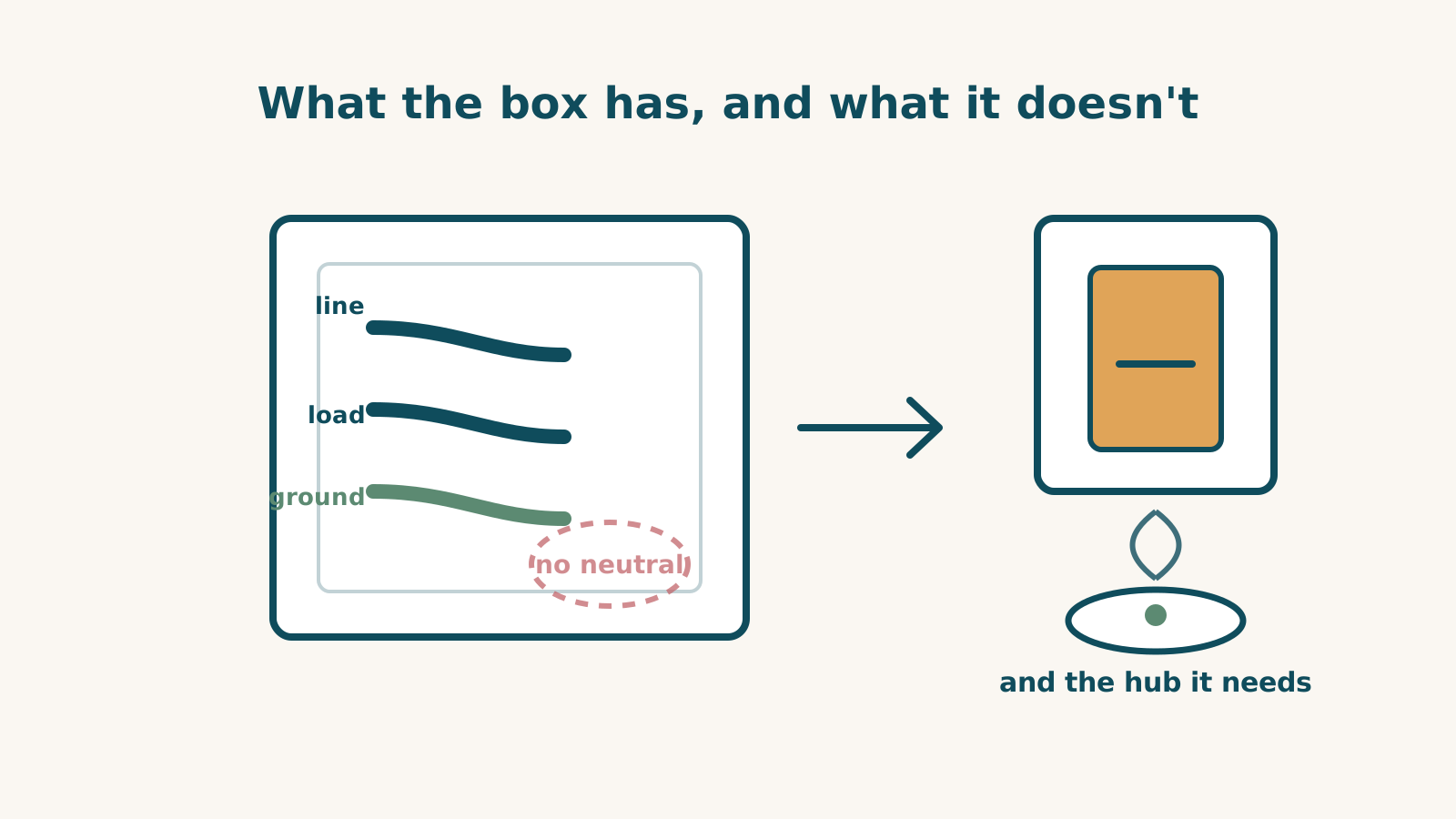
A no-neutral installation needs a switch explicitly documented for that wiring and load. Check the exact model, any bypass at the fixture and the platform equipment. Do not choose from a radio badge or the house’s age.
This is dated product research. It does not identify the wires in your box or approve an installation.
Three documented examples
Lutron Caséta Diva DVRF-6L: no neutral or bypass required for its specified loads. Lutron rates it for 150 W dimmable LED and 600 W incandescent/halogen, with stated minimums, and excludes ELV/MLV. A compatible single LED still needs to satisfy the exact load and dimming requirements. App, schedules and platform access use a separate Lutron hub; local wall control and direct Pico pairing are separate functions.
Lutron PD-5WS-DV: no-neutral on/off control. Lutron’s table varies by voltage, load and ganging. LED, fluorescent and ELV loads have LUT-MLC conditions, and some loads may still flicker or glow when off. Where a neutral is available, Lutron recommends the neutral-wired PD-5ANS or PD-6ANS rather than this model.
Inovelli Blue Series 2-1: neutral recommended, with a bypass required at the fixture for no-neutral use. Low-wattage flicker or reboots can also require attention to the bypass. It uses Zigbee and needs a supported hub for platform functions. Inovelli lists SmartThings, Hubitat, Home Assistant, Homey and qualifying Zigbee Echo models; Echo feature depth is not documented. Its chart excludes Apple Home, Google Home and Hue Bridge.
These are examples from the library, not a claim that only these switches exist or that one has better reliability.
A bypass changes the installation
A fixture-mounted bypass is different from a part placed behind the switch. Confirm access to the fixture, permitted loads and the exact manufacturer’s diagram. Do not infer that every no-neutral switch uses the same part or requires no extra work.
“No neutral required” also does not mean “compatible with any light.” Minimum load, lamp technology and ganging can change suitability. Use the exact model’s specifications instead of a sibling’s ratings.
Keep generations and functions separate
The GE Cync Matter paddle dimmer requires neutral and ground. That is different from Cync’s older no-neutral designs; a newer generation does not inherit every installation feature.
Kasa KS225 requires a neutral and excludes three-way wiring. Neither its Wi-Fi nor Matter support changes that. Do not claim Wi-Fi makes no-neutral design impossible, or that Matter universally demands a neutral.
A Lutron hub supplies the recorded platform routes for its switches. An Inovelli Zigbee connection has different platform limits. A platform badge on a hub does not establish every switch feature or every remote action.
Before ordering
Identify the wiring through the maker’s procedure, with required power isolation. If the conductor functions are unclear, have a qualified electrician check them; a white wire alone is not proof of a neutral.
Confirm load, dimming type, box dimensions, multi-location requirements and any fixture work. Count the hub, bypass, accessories and installation rather than assuming the switch price is the whole project.
The switch directory shows recorded platform support. Use the checker for the exact model and systems; it does not verify electrical wiring. The electrician guide describes the makers’ installation guidance.
Frequently asked questions
Can I identify a neutral by its colour?
Not reliably. Colour and house age do not establish the conductor’s function. Follow the exact installation instructions and have a qualified electrician identify unclear wiring.
Do no-neutral switches always require extra fixture hardware?
No. Diva documents no bypass requirement. PD-5WS-DV has load-adapter conditions, and Inovelli Blue 2-1 requires a bypass for its no-neutral route.
Does a Matter label establish no-neutral support?
No. Check the exact model. The GE Cync Matter dimmer and Kasa KS225 in these records require a neutral; that does not prove a universal rule for every Matter product.
Sources for this guide· 5 product records
Product facts come from the linked research records; other cited sources appear below. Read each claim with its source date and any stated limit. Prices, features and support can change after a check. These are research profiles, not hands-on reviews.Report a correction if a source now gives a different answer.
- Lutron Caseta Diva Smart Dimmer (DVRF-6L) — record last verified 2026-08-10 · 51 sources, cited in full on its profile
- Lutron Caséta Wireless In-Wall Switch (PD-5WS-DV) — record last verified 2026-09-20 · 25 sources, cited in full on its profile
- Inovelli Blue Series 2-1 Smart Switch (VZM31-SN) — record last verified 2026-08-10 · 31 sources, cited in full on its profile
- GE Cync Paddle Dimmer Smart Switch (Matter) — record last verified 2026-09-27 · 37 sources, cited in full on its profile
- TP-Link Kasa Smart Wi-Fi Dimmer Switch KS225 (Matter) — record last verified 2026-09-30 · 42 sources, cited in full on its profile