Guide
Smart Switch Installation: When the Maker Calls for an Electrician
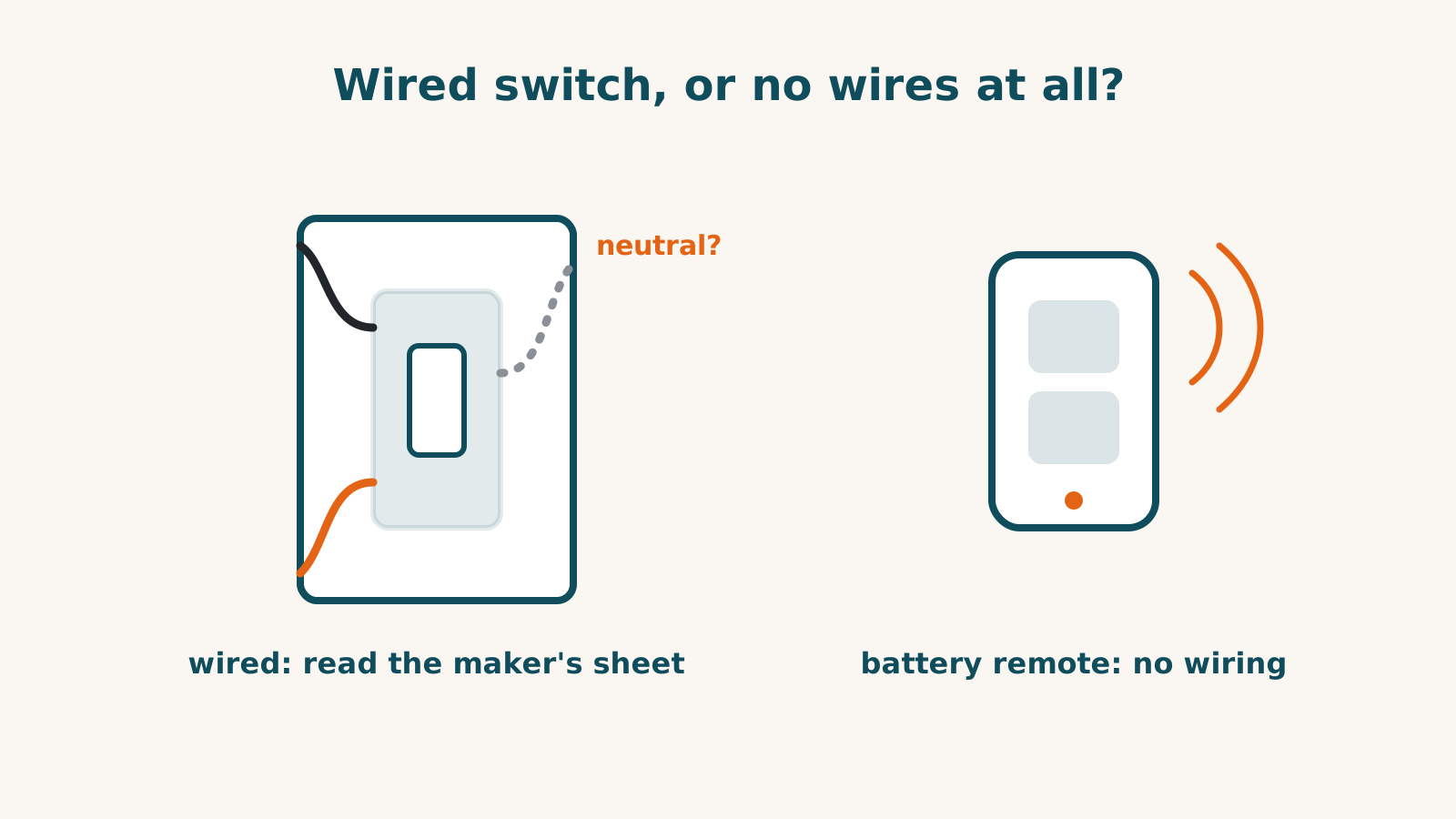
Read the exact manufacturer’s installation instructions before deciding who will fit a smart switch. Some makers describe homeowner steps with a condition to consult an electrician; others recommend professional installation outright. A battery remote is a different job from wired wall or fan hardware.
This guide describes dated product documentation. It does not establish your wiring, the quality of an installation or the local permission required for electrical work.
Manufacturer guidance differs
| Product | Installation guidance recorded |
|---|---|
| Tapo S505 | Consult a qualified electrician if unsure |
| Leviton D315S | Electrical knowledge required; consult an electrician if any step is unclear |
| Inovelli VTM36 canopy module | Consult a qualified electrician if unsure or uncomfortable |
| Fanimation WFR50 receiver | Qualified electrician directed when wiring colours differ from its instructions |
| SONOFF iFan04-L | Professional electrician directed for installation and maintenance |
| Zooz ZEN30 | Licensed electrician recommended |
Conditional guidance is not a general claim that an installation is easy. Familiarity with replacing one switch also does not settle an unfamiliar multi-location circuit or fan motor. Follow the exact manual’s power-isolation and installation requirements.
Identify the circuit and supported load
A neutral requirement is model-specific. A white wire does not by itself establish a neutral; Zooz’s cited channel specifically warns about white conductors in 14-3 cable. If the functions are unclear, stop the installation check and have them identified by a qualified electrician.
Confirm line voltage, grounding, box dimensions, bulb dimming type and load limits. For several control points, use the exact three-way diagram and specified companions. Do not assume one manufacturer’s switch accepts another’s wiring arrangement.
Our no-neutral guide describes models with documented routes, not a way to bypass identification or electrical requirements.
Fan modules have their own conditions
Inovelli VTM36, SONOFF iFan04-L and Fanimation WFR50 go in the fan canopy rather than a wall box. Check enclosure space, motor type, voltage and each output’s load.
SONOFF’s manual also specifies protective equipment before the controller. Treat that as part of the professional installation requirement rather than interpreting the guide as an instruction to alter a breaker panel yourself. Fanimation’s documented feed must not be a dimmer. A fan-speed control and a light dimmer are not interchangeable.
Remotes can add control without wiring the remote
Lutron Pico pairs directly with supported Caséta equipment. Hue Smart Button documents direct pairing to up to ten Hue bulbs; a Bridge adds configuration options. Aqara Wireless Mini Switch requires an Aqara hub for its maker-documented route.
The remote must suit the controlled equipment. A platform list does not establish universal button actions. Home Assistant or community routes have separate evidence and requirements; do not describe them as every maker’s native support.
For a rental, confirm permission for the exact mounting and hardware change. No wiring at a remote is not a guarantee of damage-free mounting or permission to alter the main switch.
Use the switch directory and checker for recorded platform functions. Resolve electrical installation questions with the exact maker instructions or installer before buying.
Frequently asked questions
Does wire colour prove I can follow the installation?
No. Colour alone does not establish line, load, neutral or grounding. If identification or any instruction is unclear, follow the maker’s direction to consult a qualified electrician.
Are fan-canopy modules the same job as wall switches?
No. They install overhead in a different enclosure and have exact motor, load, voltage and wiring requirements. Do not transfer a wall switch’s instructions to a canopy module.
Does a battery remote switch the mains supply?
No. It sends commands to compatible smart equipment. It can add a control point without wiring that remote, but the controlled equipment still needs its own installation and connection.
Sources for this guide· 9 product records
Product facts come from the linked research records; other cited sources appear below. Read each claim with its source date and any stated limit. Prices, features and support can change after a check. These are research profiles, not hands-on reviews.Report a correction if a source now gives a different answer.
- TP-Link Tapo S505 Smart Wi-Fi Light Switch — record last verified 2026-08-01 · 24 sources, cited in full on its profile
- Leviton Decora Smart Wi-Fi Switch, 15A (D315S) — record last verified 2026-09-27 · 35 sources, cited in full on its profile
- Inovelli White Series Smart Fan/Light Canopy Module (VTM36) — record last verified 2026-10-03 · 29 sources, cited in full on its profile
- SONOFF iFan04-L Wi-Fi Ceiling Fan and Light Controller — record last verified 2026-10-01 · 18 sources, cited in full on its profile
- Fanimation fanSync AC Motor WiFi Receiver (WFR50) — record last verified 2026-09-17 · 19 sources, cited in full on its profile
- Zooz 800 Series Z-Wave Long Range Double Switch ZEN30 800LR (Light & Fan Combo) — record last verified 2026-10-03 · 27 sources, cited in full on its profile
- Lutron Pico Wireless Remote Control — record last verified 2026-10-03 · 41 sources, cited in full on its profile
- Philips Hue Smart Button — record last verified 2026-10-03 · 45 sources, cited in full on its profile
- Aqara Wireless Mini Switch — record last verified 2026-09-22 · 28 sources, cited in full on its profile