Guide
Thread Border Routers: Check What You Already Own
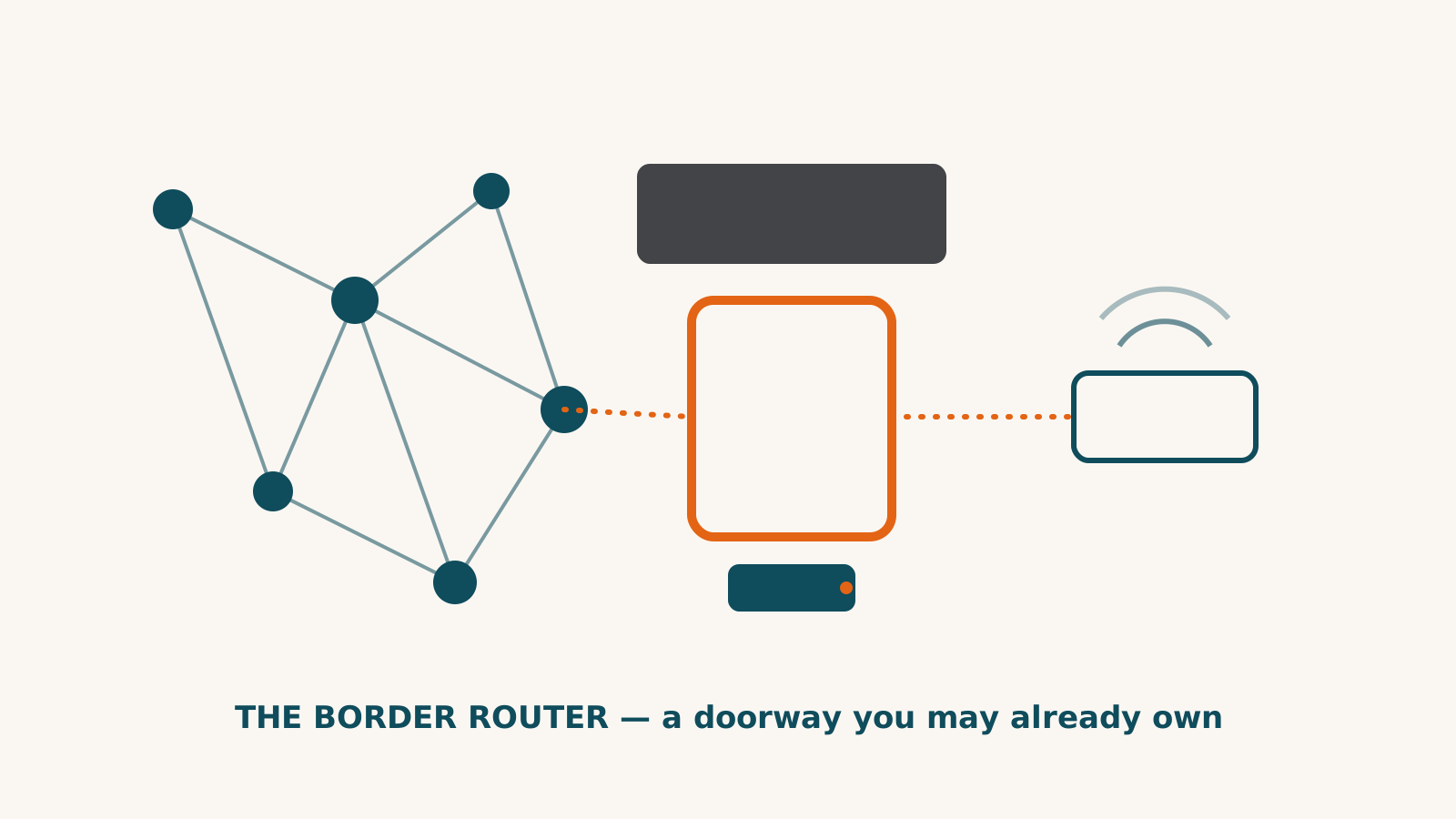
A Thread border router connects Thread devices to the rest of your home network. Before buying one, check whether the exact hub, speaker or other hardware you already own performs that role.
Then check what your chosen platform needs to control the accessory. A border router supplies the connection; it does not establish every app feature or automation.
What the border router does
Thread devices use a network distinct from Wi-Fi. The border router connects that network to the Wi-Fi or Ethernet side of your home. Thread Group’s network fundamentals distinguish this role from ordinary routing devices and end devices.
Within the Thread network, routing devices can pass traffic along. End devices do not forward messages for others. A battery sensor should not be counted as extending coverage simply because it uses Thread.
Documented hardware examples
These examples come from the named product records. They are not a complete list or a shopping ranking.
| Hardware | What our record establishes | What to check |
|---|---|---|
| HomePod mini | Apple Home hub and Thread border router | Supported Apple setup device and the accessory’s Apple Home functions |
| Echo Hub | Matter controller and Thread border router for Alexa | The accessory’s Alexa support; the Hub does not bridge its attached devices to other systems |
| Google Home Speaker | Matter controller and Thread border router for Google Home | The accessory’s Google functions and any platform-specific limits |
| Aqara M100 | Matter controller, bridge and Thread border router | Aqara Zigbee support is not general support for every Zigbee brand |
| IKEA DIRIGERA | Thread border-router role activated by the documented firmware | Firmware and the integration route, including limits for new setups |
Generations and configurations matter. Do not infer the role from a brand name, a speaker shape or a generic “Thread” specification. Look for an explicit border-router statement for your model.
The Home Assistant Green, for example, has no built-in radios. Its local software does not make the box a Thread border router. Include separately required hardware when planning that setup.
Check the accessory’s route
The Level Lock Pro has a Matter-over-Thread route requiring a border router. Its Level Connect Wi-Fi bridge is a separate alternative for remote access, not a substitute Thread radio. The connection and functions differ by platform.
A border router already in your home is a reason to check the existing setup, not a guarantee that a new accessory will provide every feature there. Confirm the controller and platform support as well as the network role.
Multiple border routers and multiple meshes
Thread Group explains the distinction: border routers sharing network credentials can form one mesh; those that do not share them can form separate meshes. Separate meshes can still communicate over the broader home network. They do not automatically share mesh coverage or redundancy.
Follow the manufacturers’ setup and firmware instructions. Differences in response time alone do not establish that a home has split networks, and buying another router is not a guaranteed fix.
Thread does not settle the internet-outage question
Check the maker’s statement about the accessory and the equipment it relies on. A local network can remain available while cloud services, voice features or control from away stop. Read what makers say about outages before relying on an important function during one.
Before ordering, use the checker for the exact accessory and your home system. Check its condition and hub requirements, then identify whether you already own the required border-router hardware. For the wider connection choices, see the protocol guide.
Frequently asked questions
Is a Thread border router the same as a Matter controller?
No. The border router provides a network connection; the Matter controller controls accessories. A HomePod mini or Echo Hub can perform both roles, but the terms are not interchangeable.
Does every Thread device extend the mesh?
No. Thread routing devices can relay traffic. End devices, including sleepy battery devices, do not route messages for other devices.
Do multiple border routers automatically form one mesh?
No. Thread Group says shared network credentials determine whether they form one mesh. Separate meshes can still communicate over the broader home network; that is different from sharing mesh coverage.
Does Thread guarantee the whole setup works without internet?
No. Thread describes the network connection. Device functions, app access, voice control and remote access have separate requirements. Check the maker outage statement for the exact model.
Sources for this guide· 2 sources and 7 product records
Product facts come from the linked research records; other cited sources appear below. Read each claim with its source date and any stated limit. Prices, features and support can change after a check. These are research profiles, not hands-on reviews.Report a correction if a source now gives a different answer.
- Thread Group: Thread Stack Fundamentals — as of 2026-10-10
- Thread Group: Multiple Thread Networks — as of 2026-10-10
- Apple HomePod mini — record last verified 2026-10-08 · 42 sources, cited in full on its profile
- Amazon Echo Hub — record last verified 2026-09-22 · 26 sources, cited in full on its profile
- Google Home Speaker (2026) — record last verified 2026-09-13 · 31 sources, cited in full on its profile
- Aqara Hub M100 — record last verified 2026-09-10 · 27 sources, cited in full on its profile
- IKEA DIRIGERA Hub — record last verified 2026-08-10 · 55 sources, cited in full on its profile
- Home Assistant Green — record last verified 2026-10-01 · 52 sources, cited in full on its profile
- Level Lock Pro — record last verified 2026-10-01 · 47 sources, cited in full on its profile