Guide
Is Home Assistant Hard to Set Up? Where the Work Actually Is
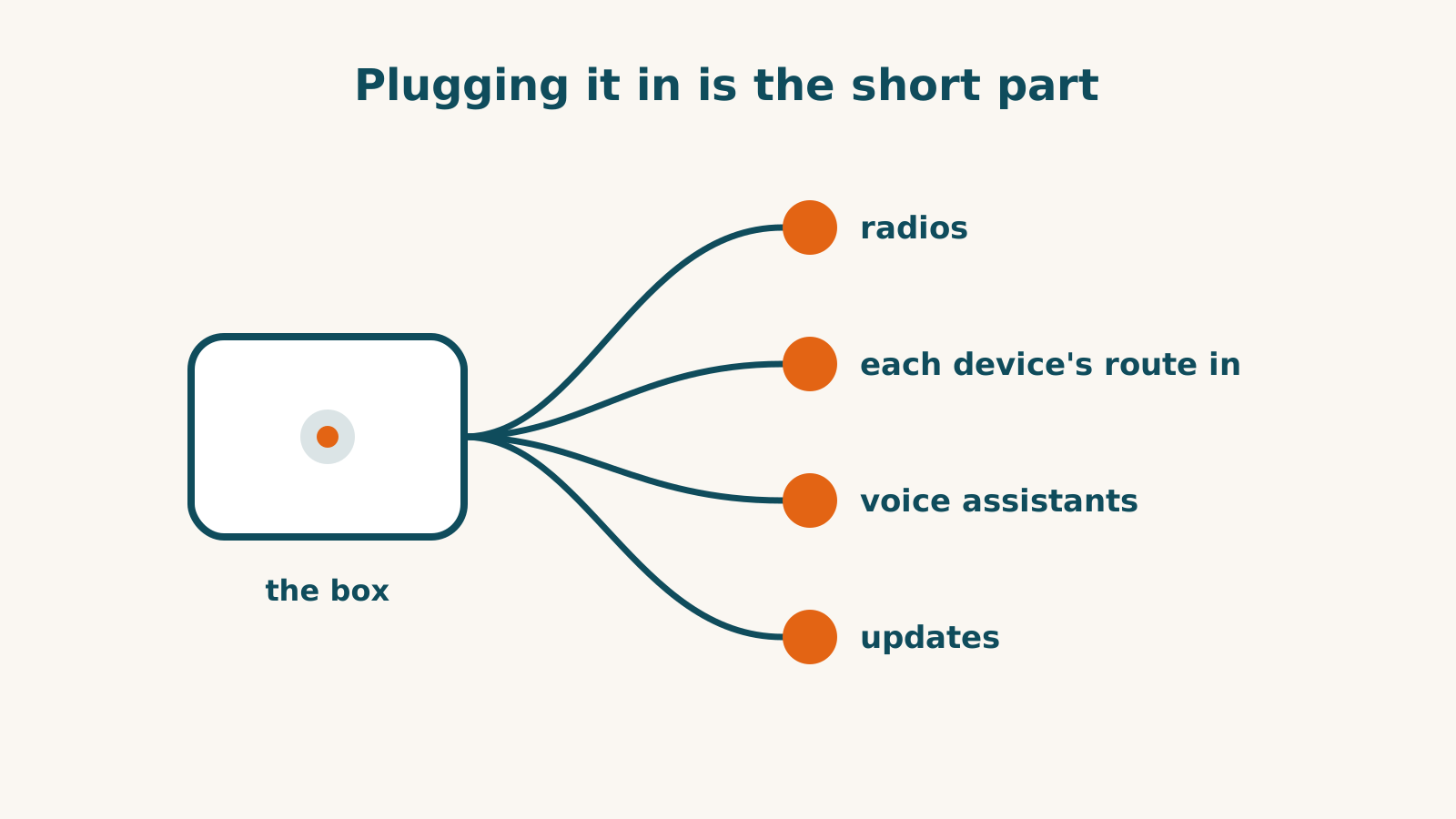
The Green arrives with Home Assistant installed. Connecting your devices and voice assistants is a separate part of setup. For its own Green box, Home Assistant’s instruction is one line: “Simply plug in the included power adapter and Ethernet cable to begin your Home Assistant journey.” The work comes afterwards, in three places: the radios your devices need, the route each device takes in, and the connection out to Alexa or Google Home if you want voice control.
How much work that adds up to depends mostly on the devices you already own, because makers leave very different doors open. Here’s what each step asks, using the products in our records as examples.
Step one: the box
The Home Assistant Green is one ready-made starting point: a small computer with Home Assistant already on it, connected to your router by Ethernet. It has no radios of its own, and nothing about the software needs a subscription to run. Our Home Assistant Green guide covers what’s in the box and what it costs.
Step two: the radios
Wi-Fi devices need a supported integration as well as a network connection. Zigbee and Z-Wave need their respective radios, or a supported connection through another hub. Thread devices need a Thread border router; check whether one you already own can supply that connection. Home Assistant’s Connect ZBT-2 does Zigbee or Thread, and Home Assistant says it “cannot do both Zigbee and Thread simultaneously”. If the Green will supply both Zigbee and Thread radios, it needs two adapters; Z-Wave needs a separate stick again. Home Assistant’s Green page still marks Thread on the adapter as under development.
This step is a shopping decision more than a technical one, but it’s the one to settle before buying anything else.
Step three: each device, one at a time
This is where the effort varies most. Home Assistant adds devices through integrations, and our records show how different the routes can be even within one product type. Thermostats make the point well:
- ecobee Smart Thermostat Premium. The built-in integration goes through ecobee’s servers. Since Home Assistant 2026.3 an ecobee login is enough to connect it, where a developer key used to be required first. If your ecobee account uses two-step sign-in, a code from an authenticator app or a text message works, but push and email codes do not.
- Google Nest Learning Thermostat (4th gen). It joins over Matter and is controlled on your own network. Home Assistant’s cloud Nest integration is the alternative, and it needs Google’s one-time $5 Device Access fee.
- Honeywell Home X8S. Matter again, local, but with little exposed: temperature, setpoint and mode, while schedules and air-quality readings stay in the First Alert app. A First Alert account is required before Matter pairing. Honeywell’s older cloud integration doesn’t cover the X-series.
- Honeywell Home T9. The built-in integration needs a Resideo developer account and a key you register yourself before anything works. Pairing it through Home Assistant’s HomeKit integration is the local alternative.
- Amazon Smart Thermostat. Support is not established. Neither Amazon nor Home Assistant documents an official route; the community projects noted in our record have owner reports of unreliable state readings.
So the same job, adding a thermostat, runs from a login to a developer registration to a workaround, depending on the brand. Outside thermostats the spread is wider still: the Oasis Ambient light has no documented manufacturer-supported Home Assistant route. Oasis publishes neither developer documentation nor local-control instructions; that is a limit of the documented support, not proof that every possible workaround fails.
Before buying equipment for Home Assistant, check the route for each device you want to connect. Each product profile records its Home Assistant support, including gaps, and the compatibility checker shows it for a list of devices at once.
Step four: voice assistants
Home Assistant can pass your devices on to the big voice platforms, and the effort differs by platform. Apple Home has a free, built-in HomeKit Bridge route, with at most 150 accessories per bridge and no HomeKit Secure Video. For Alexa and Google Home, the easy route is the Home Assistant Cloud plan. The free route means building your own connection through an Amazon Web Services account or a Google Cloud project, with Home Assistant reachable from the internet at a secure web address. That last part is a networking job.
After that, updates arrive regularly, and installing them is up to you.
Which fits your situation
Home Assistant fits a household whose devices mostly have a local or Matter route and that is happy to add them one by one. For voice control, it suits Apple Home users most easily, and Alexa or Google Home users who accept a monthly plan or some networking work. It’s a harder fit where the devices you care most about need a developer registration, have only community-built routes, or have none, and for anyone who wants a hub that sets itself up. If you’re weighing it against a SmartThings hub, our Home Assistant vs SmartThings comparison sets the two side by side.
Frequently asked questions
Do I have to pay for Home Assistant?
No. The software runs without a plan. Home Assistant Cloud from Nabu Casa is optional and buys remote access and the ready-made Alexa and Google Home connections; on 15 September 2026 its US price was $6.50 a month or $65 a year.
Does every device work once it's set up?
No, and some have no confirmed route. Oasis publishes no developer documentation and no way to control its Ambient light over your own network, so our record establishes no supported Home Assistant route. That does not prove no community workaround exists.
Sources for this guide· 7 product records
Product facts come from the linked research records; other cited sources appear below. Read each claim with its source date and any stated limit. Prices, features and support can change after a check. These are research profiles, not hands-on reviews.Report a correction if a source now gives a different answer.
- Home Assistant Green — record last verified 2026-10-01 · 52 sources, cited in full on its profile
- ecobee Smart Thermostat Premium — record last verified 2026-10-03 · 53 sources, cited in full on its profile
- Google Nest Learning Thermostat (4th gen) — record last verified 2026-10-15 · 81 sources, cited in full on its profile
- Honeywell Home X8S Smart Thermostat — record last verified 2026-09-01 · 30 sources, cited in full on its profile
- Honeywell Home T9 Smart Thermostat — record last verified 2026-10-02 · 47 sources, cited in full on its profile
- Amazon Smart Thermostat — record last verified 2026-09-30 · 29 sources, cited in full on its profile
- Oasis Ambient — record last verified 2026-08-14 · 25 sources, cited in full on its profile