Comparison
Home Assistant vs SmartThings: Which Hub Fits Your Home in 2026
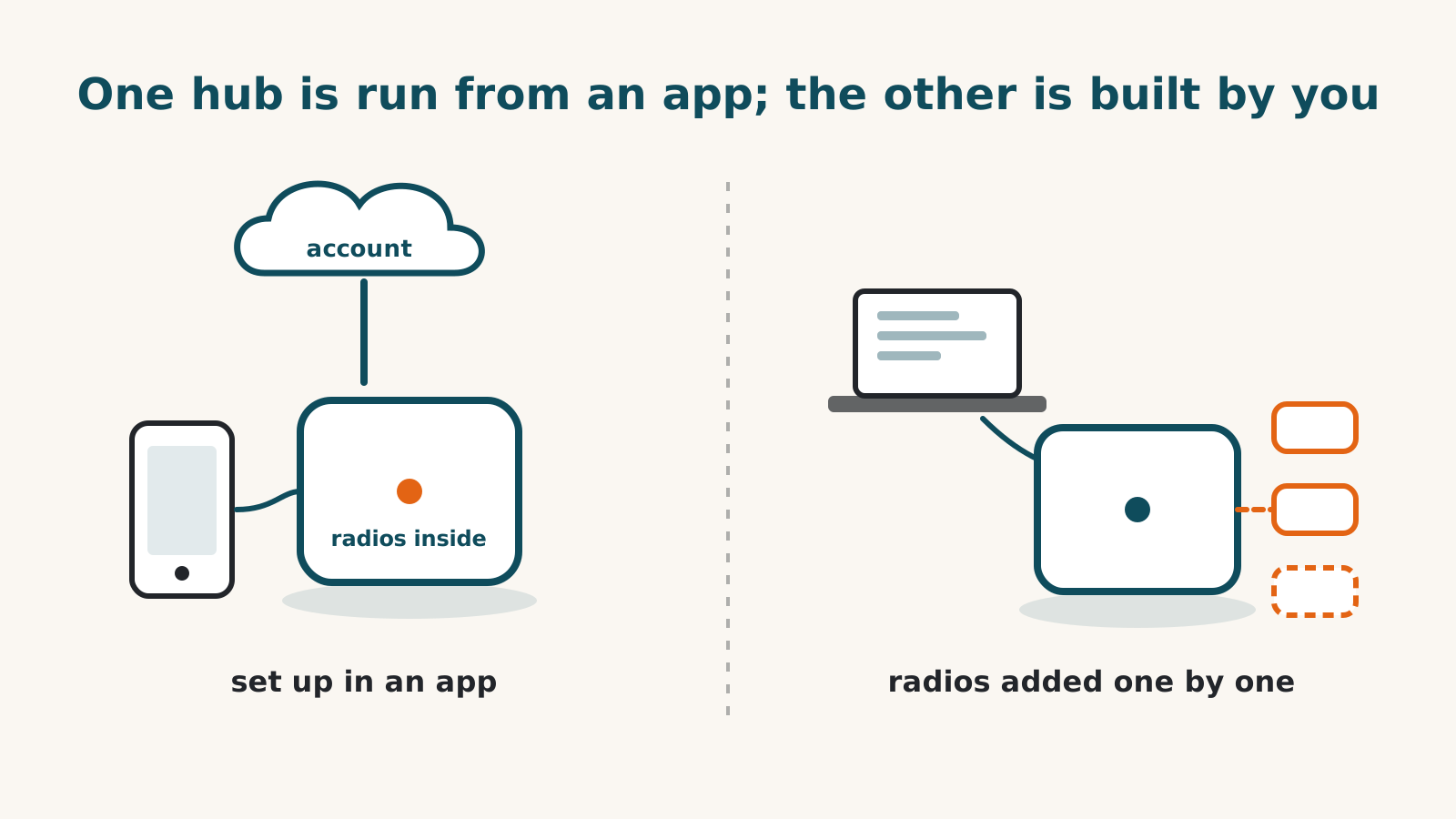
SmartThings fits a household that wants a hub it can set up from a phone app and then mostly leave alone. Home Assistant fits one that wants to decide how every device connects, and is willing to do that work. The two also differ on something more concrete than temperament: which radios come in the box, what voice control costs, and whether Apple Home is reachable at all.
This compares two hubs listed as currently sold in our dated research records. Check current availability before ordering. One is Aeotec’s Smart Home Hub 2, which Samsung’s own US shop sells as its SmartThings hub. The other is Home Assistant Green, the ready-made box from the Home Assistant project.
The short version
| SmartThings (Aeotec Smart Home Hub 2) | Home Assistant (Green) | |
|---|---|---|
| Price in our records | $119.99 | $199, before radios |
| Radios in the box | Zigbee and Thread, no Z-Wave | None; each radio is a separate adapter |
| Setup | SmartThings app, Samsung account required | You add each integration yourself |
| Alexa and Google Home | Link your SmartThings account, no plan needed | Paid plan, or a do-it-yourself route |
| Apple Home | No route described by Aeotec or Samsung | Free built-in bridge |
| During an internet outage | Most automations run on the hub, per Aeotec | Local functions can remain available; cloud-connected devices still depend on internet |
What comes in the box
The Aeotec hub is ready to talk to devices when you plug it in. Aeotec’s radio list names Zigbee, Thread, Wi-Fi, Ethernet and Bluetooth, and the company says the hub connects up to 150 Zigbee devices directly. Setup and day-to-day control happen in the SmartThings app, with a Samsung account.
Home Assistant Green arrives with no radios at all. It connects to your router by Ethernet, and has no built-in wireless radios. Check whether each device needs an adapter or can connect through equipment you already own. Zigbee or Thread devices need a Home Assistant Connect ZBT-2 adapter at $49, and one adapter handles one of the two, never both at once. If the Green itself will supply both Zigbee and Thread radios, it needs two. An existing supported Thread border router may provide the Thread connection instead; Home Assistant’s Green page still marks Thread on its adapter as under development. So the Green’s sticker price is where the bill starts rather than where it ends.
If you’re unsure which of these protocols your devices use, our protocol explainer covers how to tell.
If you own Z-Wave devices
This is the first thing to settle, because it can decide the question on its own. The Smart Home Hub 2 has no Z-Wave radio. Aeotec’s previous SmartThings hub did, but it is no longer sold, so check the seller and whether a unit is remaining stock or used.
Between these two, Home Assistant is the one with a Z-Wave route: a separate Z-Wave stick plugged into the Green, which our records don’t price. Other hubs with built-in Z-Wave are in the hub directory.
Voice control and Apple Home
With SmartThings, Alexa and Google Home come from linking your SmartThings account in each company’s app. No plan is needed. The limit is documentation: neither Aeotec nor Samsung says which device types or controls carry over.
Home Assistant reaches both, but each has an easy route and a free one. The easy route is Home Assistant Cloud from Nabu Casa, which our record lists at $6.50 a month or $65 a year. The free route is a do-it-yourself job that needs your Home Assistant reachable from the internet at a secure web address, plus a developer account with Amazon or Google.
Apple Home runs the other way round. Home Assistant has a built-in HomeKit Bridge that is free and works over your own network. It caps out at 150 accessories per bridge, and Apple Home asks you to confirm it as an uncertified accessory. Cameras can cross the bridge, but HomeKit Secure Video cannot. For the Aeotec hub, none of the Aeotec or Samsung pages we read describes a way into Apple Home. Aeotec’s page says the hub supports Matter, but the certification registry holds no Matter certificate for it, so we can’t confirm that route either way.
How the two connect, and the October change
Some households use both. They keep devices on a SmartThings hub and run automations from Home Assistant. That works in one direction only. Home Assistant’s official SmartThings integration pulls SmartThings devices in, but it goes through Samsung’s servers rather than your own network, and no official route sends Home Assistant’s devices back into the SmartThings app.
That inbound connection is also the one Samsung plans to charge for. From October 2026 it intends to bill outside software for SmartThings access, with a personal plan at $4.99 a month. Samsung says people who only use the SmartThings app with certified devices are not affected. Ordinary use in the SmartThings app is unaffected by the announced pricing change; Home Assistant and other outside software are within its scope. Our guide to the change covers the documented options.
What owning each one involves
On the Aeotec hub, Aeotec says most automations run on the hub itself, so they keep going when your internet drops, though the app and remote control need the connection. Aeotec publishes no software-support end date for it, which for the box everything else connects through is the date a buyer would most want.
The Green asks more. Updates arrive regularly and installing them is your job, as is adding each integration. Home Assistant says the Green stays usable at home when the internet is down, but devices connected through a maker’s cloud still depend on that cloud. Its setup has you create the owner account of your Home Assistant, with a username and password, and the setup steps don’t ask for a Home Assistant Cloud account.
Which one fits
- SmartThings (Aeotec Smart Home Hub 2) may fit a household with Zigbee devices that wants Alexa or Google Home without a subscription and would rather not manage software. It’s a poor fit for a Z-Wave home, for an Apple Home household, and for anyone planning to run everything from Home Assistant through it after October.
- Home Assistant Green may fit someone who wants Apple Home alongside other platforms, owns devices from several makers, or has Z-Wave, and who doesn’t mind buying radios separately and handling updates. It’s a harder fit for someone who wants voice control with no monthly plan and no networking work.
What could change this comparison: clearer documented Apple Home support for the Aeotec hub, or a shift in Samsung’s announced pricing. Both are dated items on our records. For the Green in more detail, read our Home Assistant Green guide, or test your own devices against either hub in the compatibility checker.
Frequently asked questions
Can I run both, with Home Assistant controlling my SmartThings devices?
Yes, in one direction. Home Assistant's official SmartThings integration pulls devices paired to a SmartThings hub into Home Assistant through Samsung's servers. From October 2026 Samsung plans to charge for that access, with a personal plan at $4.99 a month. Nothing official sends Home Assistant's devices the other way into the SmartThings app.
Does the new Aeotec hub work with my Z-Wave devices?
No. Aeotec's own radio list for the Smart Home Hub 2 names Zigbee, Thread, Wi-Fi, Ethernet and Bluetooth, and no Z-Wave. The older Aeotec hub had a Z-Wave radio, but Aeotec no longer sells it.
Which one keeps working when the internet goes down?
Aeotec says most automations and controls on the Smart Home Hub 2 run on the hub itself, so they carry on during an outage. The app and remote control need the internet. Home Assistant says of the Green that you can access your smart home even when the internet is down, and that the first setup needs a connection. Those statements do not establish that every connected device works offline.
Sources for this guide· 3 product records
Product facts come from the linked research records; other cited sources appear below. Read each claim with its source date and any stated limit. Prices, features and support can change after a check. These are research profiles, not hands-on reviews.Report a correction if a source now gives a different answer.
- Aeotec Smart Home Hub 2 — record last verified 2026-09-15 · 13 sources, cited in full on its profile
- Home Assistant Green — record last verified 2026-10-01 · 52 sources, cited in full on its profile
- Aeotec Smart Home Hub (SmartThings Hub v3) — record last verified 2026-09-15 · 44 sources, cited in full on its profile